
DAZ Studio on Mac: Why It Fails to Run and the Best 3D Alternatives | Expert Review

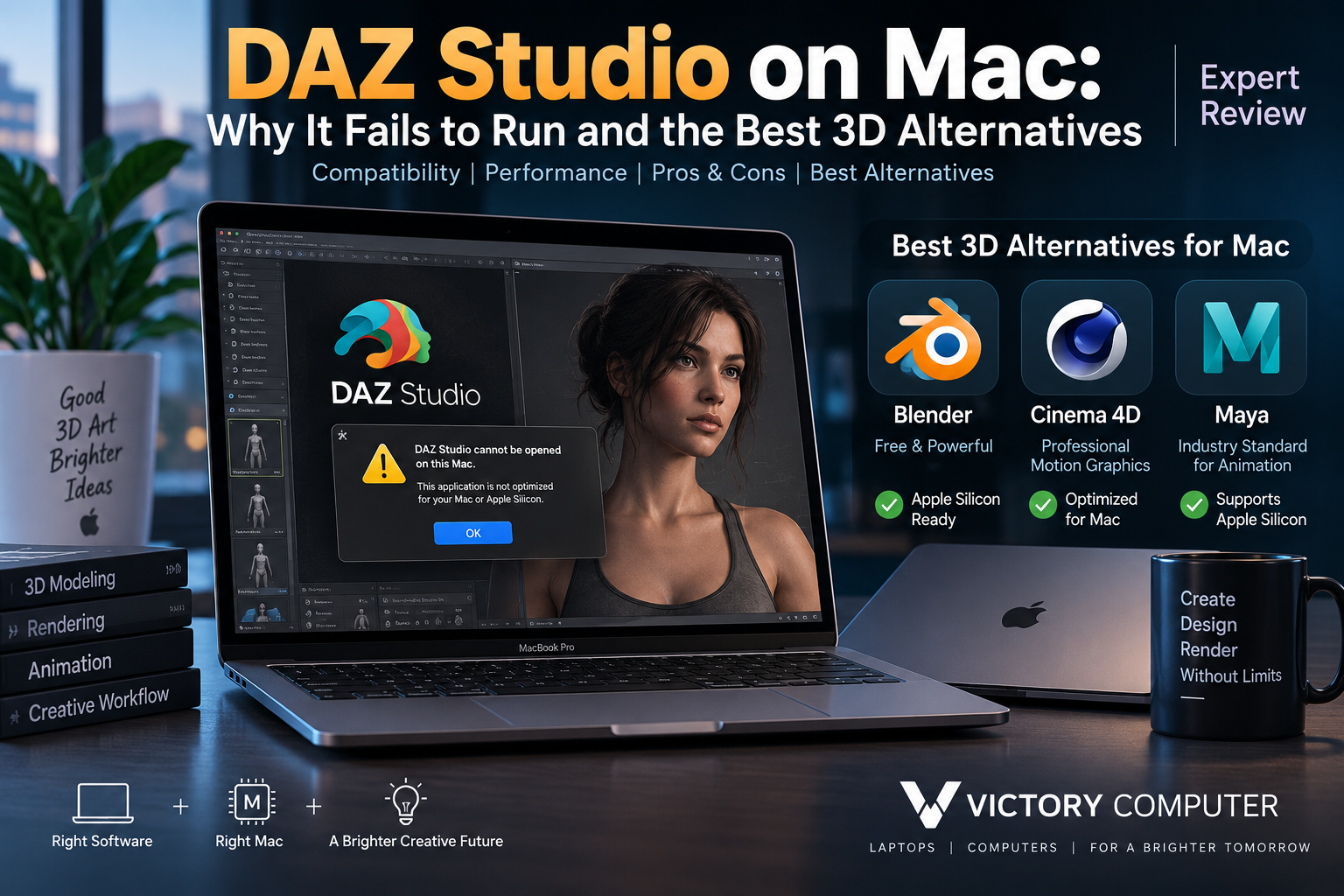
DAZ Studio on Mac
DAZ Studio on Mac is not completely unusable, but the experience on modern Apple Silicon Macs has important limitations. Current Mac builds can run on M-series hardware through translation rather than full native Apple Silicon execution, while DAZ’s Iray rendering workflow remains a major disadvantage because it is built around NVIDIA CUDA hardware.
Does DAZ Studio Work on Mac?
Yes, but the answer requires some context. Older information online often says that DAZ Studio simply does not work on modern Macs. That is no longer an accurate way to describe the situation.
DAZ continues to provide Mac versions, and 2026 DAZ Studio development includes macOS. The more important limitation for owners of modern M-series Macs is that current builds are not yet fully native Apple Silicon applications and can rely on Apple’s Rosetta translation technology.
This makes DAZ Studio on Mac fundamentally different from applications such as Blender that now directly target Apple Silicon.
If you are troubleshooting other applications after a macOS upgrade, Victory Computer’s guide to macOS Sonoma app compatibility problems can also help distinguish an operating-system compatibility problem from an application-specific limitation.
Why DAZ Studio Has Problems on Apple Silicon Macs
The biggest problem is no longer simply “32-bit versus 64-bit.” That explanation is outdated for current DAZ Studio releases. The more relevant issues are processor architecture and the application’s rendering ecosystem.
1. DAZ Studio Is Not Fully Apple-Silicon-Native
Apple moved the Mac platform from Intel processors to its own ARM-based Apple Silicon architecture beginning with the M1 generation. Applications built specifically for Intel processors can still operate on many Apple Silicon Macs through Rosetta, but that is different from having a native ARM64 version.
DAZ’s 2026 development discussions indicate that an Apple Silicon-native version is planned, but current Mac releases still require translation on M-series hardware.
2. Iray Is a Major Limitation for Mac Rendering
DAZ Studio is closely associated with NVIDIA Iray for photorealistic rendering. Iray’s GPU acceleration depends on NVIDIA CUDA technology.
Modern Apple Silicon Macs use Apple’s integrated GPUs rather than NVIDIA CUDA GPUs. That removes one of the major hardware advantages available to DAZ Studio users running suitable NVIDIA graphics cards on Windows workstations.
For an artist who spends significant time rendering complex Iray scenes, this difference can matter more than whether the DAZ Studio interface itself launches successfully.
3. Older Plug-ins Can Add Compatibility Problems
A DAZ Studio installation may also depend on plug-ins, scripts and older content-management components. A main application that launches correctly does not guarantee that every third-party extension will behave identically after a macOS or DAZ Studio update.
This is one reason Mac users should check compatibility for the exact DAZ Studio version, macOS release and plug-ins they use before changing a production workstation.
DAZ Studio on Mac: Pros and Cons
Pros
- Existing DAZ libraries remain useful: Artists already invested in DAZ characters, poses and assets may prefer staying inside the DAZ ecosystem.
- Accessible character workflow: DAZ Studio remains particularly convenient for character posing, scene building and asset-based creation.
- Mac versions still exist: Using a Mac does not automatically mean DAZ Studio cannot be installed.
- Apple Silicon Macs offer strong general performance: Modern Macs can handle many creative applications efficiently even though DAZ-specific rendering limitations remain.
Cons
- No fully native Apple Silicon version yet: Current M-series Mac users do not get the same native architecture support available from some competing 3D applications.
- Iray GPU rendering is a major weakness: Apple Silicon does not provide the NVIDIA CUDA hardware Iray uses for GPU acceleration.
- Third-party compatibility varies: Older plug-ins and scripts can introduce additional problems.
- Mac may not be the ideal DAZ-first workstation: Artists whose primary workload is heavy Iray rendering should also consider an NVIDIA-equipped Windows workstation.
Why We Recommend It
DAZ Studio still makes sense for Mac users who already own a substantial DAZ content library or primarily build and pose characters. For a new 3D workflow, however, Mac users should compare native alternatives before committing to DAZ Studio as their main rendering platform.
3 Best DAZ Studio Alternatives for Mac
1. Blender — Best Free Alternative
Blender is the strongest starting point for many Mac users because it is free, open source and actively developed for Apple Silicon. Current Blender requirements directly list Apple Silicon for modern macOS releases.
Blender covers modeling, sculpting, animation, rigging, simulation, compositing and rendering. That makes it much broader than a character-focused DAZ workflow, although the additional flexibility also means a steeper learning curve.
Best for: Students, freelancers, independent 3D artists and users who want a capable 3D package without a software subscription.
2. Cinema 4D — Best for Motion Graphics
Cinema 4D is a strong option for motion graphics, visualization, animation and professional design workflows. Current Maxon requirements explicitly support Apple M-series processors.
Cinema 4D is particularly attractive to designers who want a mature commercial application and close integration with the broader Maxon ecosystem. The main disadvantage compared with Blender is cost.
Best for: Motion designers, advertising professionals, visualization artists and commercial creative studios.
3. Autodesk Maya — Best for Professional Animation
Autodesk Maya remains a major professional application for animation, rigging, modeling and visual-effects production. Autodesk’s current Maya requirements list Apple Silicon ARM64 support alongside Intel-based Macs.
Maya provides significantly deeper professional animation and pipeline capabilities than DAZ Studio, but that power comes with greater complexity and commercial licensing costs.
Best for: Professional animators, VFX artists, studios and students preparing for production-oriented 3D workflows.
DAZ Studio vs Blender vs Cinema 4D vs Maya on Mac
| Software | Best For | Main Advantage | Main Trade-off |
|---|---|---|---|
| DAZ Studio | Character posing and DAZ assets | Large character/content ecosystem | Apple Silicon and Iray limitations |
| Blender | General 3D creation | Free with strong Apple Silicon support | More learning required |
| Cinema 4D | Motion graphics | Professional workflow and Mac support | Commercial software |
| Maya | Animation and VFX | Professional production toolset | Complex and comparatively expensive |
Choose DAZ Studio if your workflow depends heavily on DAZ characters and purchased assets. Choose Blender if you want a free general-purpose 3D package. Choose Cinema 4D for motion graphics, and consider Maya when professional animation and studio pipelines are the priority.
Should You Use a Mac or Windows PC for DAZ Studio?
If DAZ Studio and Iray are your primary workloads, a Windows system equipped with a compatible NVIDIA GPU can make more sense because Iray’s GPU acceleration is tied to NVIDIA CUDA.
A Mac becomes more attractive when your wider workflow includes software with strong Apple Silicon support, such as Blender, Cinema 4D, Maya, video editing, graphics applications and general creative work.
Before buying hardware, consider the software you actually use rather than choosing a computer solely by processor generation. Victory Computer’s MacBook vs Windows laptop comparison provides additional guidance for buyers deciding between the two platforms.
Choosing a Mac for Blender, Cinema 4D or Maya
For serious 3D work, memory capacity and sustained graphics performance matter alongside CPU performance. Entry-level configurations can handle learning, basic modeling and lighter scenes, but larger projects, high-resolution assets and demanding rendering workloads benefit from more unified memory and stronger GPU configurations.
Blender’s current recommended Mac configuration calls for Apple Silicon and 32GB of memory, while professional software requirements vary by version and workload. Buyers should therefore check the requirements of the exact software release they intend to use before selecting a Mac.
Understanding Apple Silicon is also useful before purchasing because modern creative applications increasingly optimize specifically for Apple’s M-series architecture.
Buying a Computer for 3D Work in Pakistan
For buyers in Pakistan, the correct machine depends heavily on the rendering engine and software stack. A MacBook can be an excellent option for Apple-Silicon-native creative software, while an NVIDIA-based Windows laptop or desktop may be the more practical choice for workflows dependent on CUDA acceleration.
Rather than assuming one platform is universally better, compare your actual applications, renderer, project size, memory requirements and portability needs.
Victory Computer in Lahore offers laptops and computers for different professional and creative workloads. Buyers can compare available systems before choosing between a MacBook and a Windows-based workstation.
Frequently Asked Questions
Does DAZ Studio work on Mac?
Yes. Current DAZ Studio versions are available for Mac, but Apple Silicon users face architectural and rendering limitations compared with software designed natively for M-series processors.
Does DAZ Studio run natively on Apple Silicon?
Current 2026 information indicates that DAZ Studio on M-series Macs still relies on translation rather than a fully native Apple Silicon build. Native Apple Silicon support has been discussed as a future development.
Why is DAZ Iray rendering limited on Mac?
Iray GPU acceleration is based on NVIDIA CUDA technology. Modern Apple Silicon Macs use Apple GPUs rather than NVIDIA CUDA GPUs, making an NVIDIA-equipped Windows workstation more suitable for GPU-accelerated Iray rendering.
What is the best free DAZ Studio alternative for Mac?
Blender is the strongest free alternative for most users. It supports Apple Silicon and provides modeling, sculpting, animation, simulation and rendering tools.
Is Cinema 4D good on Apple Silicon?
Yes. Current Cinema 4D requirements support Apple M-series Macs, making Cinema 4D a practical professional option for motion graphics and 3D design on modern Macs.
Does Maya support Apple Silicon Macs?
Yes. Current Autodesk Maya system requirements explicitly support Apple Silicon ARM64 Macs as well as supported Intel-based Macs.
Final Recommendation
DAZ Studio on Mac is better described as limited than completely broken. Mac versions exist, but the lack of fully native Apple Silicon execution and the NVIDIA CUDA dependency of Iray make DAZ Studio a less natural fit for modern Macs than Blender, Cinema 4D or Maya.
Existing DAZ users can continue using the platform where their workflow allows it. New Mac-based 3D artists should strongly consider Blender for general 3D work, Cinema 4D for motion graphics or Maya for professional animation. Artists heavily dependent on Iray GPU rendering should compare NVIDIA-based Windows hardware before buying their next workstation.

About Victory Computer Editorial Team
Victory Computer Editorial Team The Victory Computer Editorial Team publishes informative, research-based content about laptops, computers, monitors, printers, hardware, and technology trends in Pakistan. Our goal is to help readers understand product specifications, compare available options, and make informed purchasing decisions.
View all posts by Victory Computer Editorial Team