
Chromebook vs Windows Laptop Which One Is Practical in Pakistan?

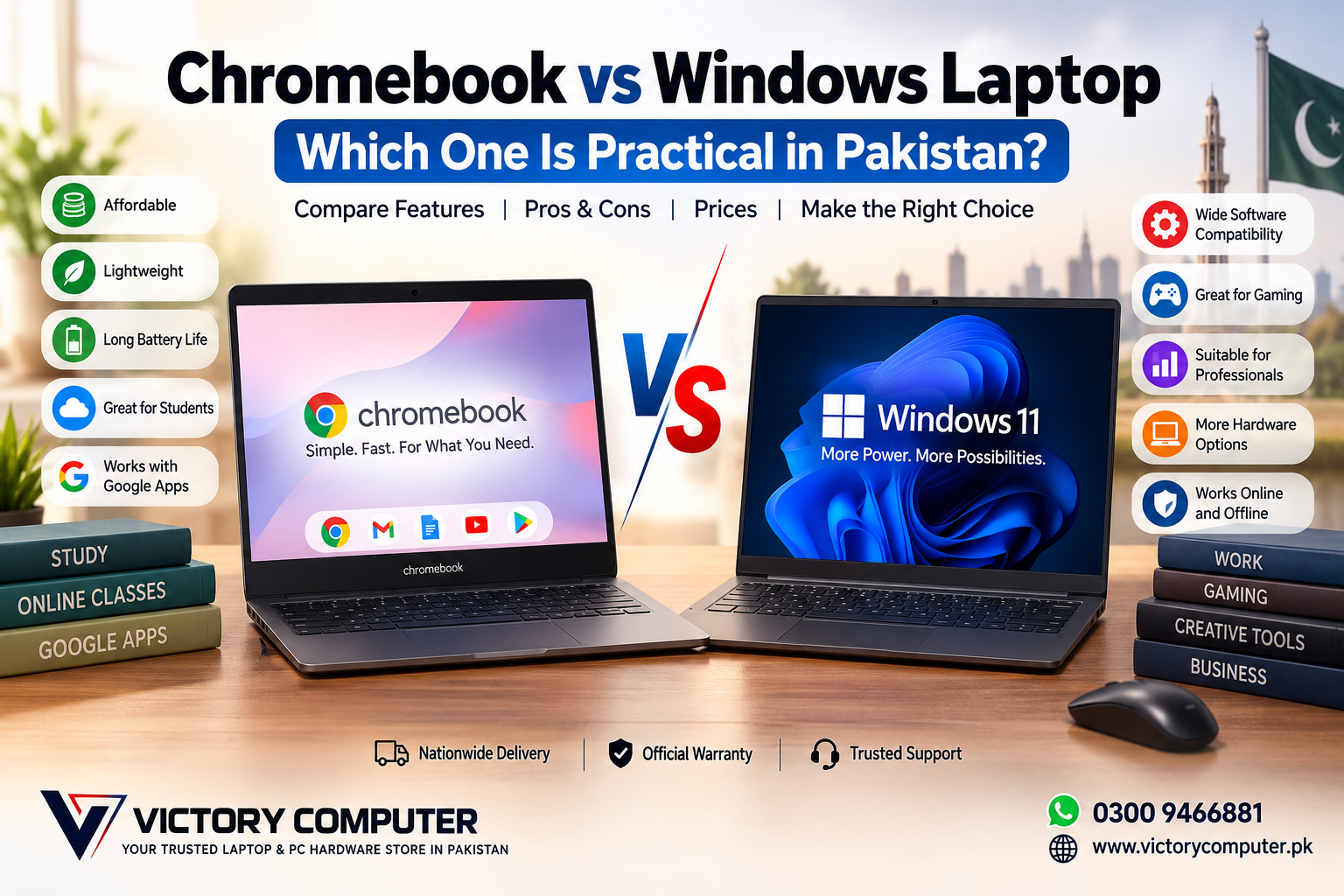
Chromebook vs Windows Laptop
For most buyers in Pakistan, a Windows laptop is the more practical all-round choice, while a Chromebook makes more sense for users whose work revolves around web browsing, online classes, Google Workspace, video calls, and other browser-based tasks.
The right choice depends less on the brand name and more on what you actually need to run. A Chromebook can be simple, responsive, portable, and efficient for everyday computing. A Windows laptop offers a much broader traditional desktop environment for professional software, gaming, engineering applications, business tools, and demanding workloads.
Here is a practical Chromebook vs Windows laptop comparison for Pakistani students, home users, freelancers, professionals, and businesses.
Chromebook vs Windows Laptop: Quick Comparison
| Feature | Chromebook | Windows Laptop |
|---|---|---|
| Operating System | ChromeOS | Windows 11 on current systems |
| Best For | Browsing, online classes, Google Workspace and basic productivity | Study, office work, professional software, gaming and creative workloads |
| Software | Web apps, supported Android apps and compatible services | Broad desktop software and Microsoft Store ecosystem |
| Offline Use | Supported for many tasks, but depends on the app and setup | Strong support for locally installed desktop applications |
| Storage Approach | Often designed around cloud storage and lighter local storage | Typically offers more local-storage configurations |
| Gaming | Limited compared with a conventional gaming PC | Much broader PC gaming compatibility |
| Professional Work | Suitable when required tools are web or ChromeOS compatible | Better suited to a wider range of professional desktop applications |
| Learning Curve | Simple for users familiar with Chrome and Google services | Familiar choice for many PC users |
What Is a Chromebook?
A Chromebook is a laptop running Google ChromeOS. The platform is strongly oriented toward Chrome, web applications, cloud services and Google’s productivity ecosystem. Compatible Chromebook models can also use supported Android applications.
Chromebooks are particularly attractive when most of your daily work happens inside a browser. Google Docs, Sheets, Gmail, Google Classroom, YouTube, Zoom and other web-based services can cover a large percentage of the requirements of a student or basic home user.
A Chromebook is not completely dependent on a permanent internet connection. Several functions and compatible applications can work offline when configured correctly. However, buyers should check their essential applications before purchasing because ChromeOS software compatibility is different from a conventional Windows PC.
Chromebook Pros and Cons
Pros of a Chromebook
- Simple operating system: ChromeOS is straightforward for browsing, studying and basic everyday tasks.
- Good fit for cloud users: Users already working primarily with Google Drive, Docs, Gmail and browser applications can adapt easily.
- Efficient on modest hardware: ChromeOS can provide a responsive experience without requiring high-end components for basic workloads.
- Useful for students: Online classes, research, assignments, video calls and browser-based learning platforms fit the Chromebook model well.
- Offline functionality exists: Selected documents, email and compatible applications can be prepared for offline use.
Cons of a Chromebook
- Software compatibility requires checking: A Windows program cannot automatically be assumed to have an equivalent ChromeOS version.
- Professional workloads can be restrictive: Specialized engineering, business, creative or industry-specific desktop applications may require Windows.
- Gaming options are narrower: A Chromebook is not a direct replacement for a Windows gaming laptop.
- Model support matters: Android application support and long-term ChromeOS update eligibility should be checked for the exact device, particularly when buying an older or used Chromebook.
Why We Recommend a Chromebook
A Chromebook is worth considering if your daily routine consists primarily of Chrome, Google Workspace, online classes, email, streaming and lightweight applications. It is less suitable if your studies or work require specific Windows-only desktop programs or conventional PC gaming.
What Is a Windows Laptop?
A Windows laptop is generally the more flexible option for buyers who want one computer to handle several different roles. Windows systems range from affordable everyday laptops to business notebooks, mobile workstations and high-performance gaming machines.
This variety is particularly useful for students who may later need specialized software. A laptop purchased for assignments today may eventually need to run programming tools, accounting software, engineering applications, creative programs or other desktop applications.
If you are comparing other computer platforms as well, read our MacBook vs Windows laptop comparison for professionals in Pakistan.
Windows Laptop Pros and Cons
Pros of a Windows Laptop
- Broad software compatibility: Windows supports an extensive range of desktop applications used for education, business, development, engineering and creative work.
- Far more hardware choices: Buyers can choose from basic laptops, ultrabooks, business systems, gaming laptops and professional workstations.
- Better choice for PC gaming: Windows remains the practical platform for buyers who want access to conventional PC games and gaming hardware.
- Flexible local storage: Windows laptops are widely available with different SSD capacities and upgrade options depending on the model.
- Suitable for long-term changing needs: A Windows laptop can usually accommodate a broader range of future study and professional requirements.
Cons of a Windows Laptop
- More hardware variation: Two Windows laptops can provide very different experiences depending on processor, RAM, SSD, display, cooling and build quality.
- Buying requires more research: Choosing only by the Windows name is not enough; specifications and model quality matter.
- Higher-performance models can cost considerably more: Gaming GPUs, premium displays and high-end processors increase the purchase price.
- Battery life varies significantly: Thin productivity laptops and powerful gaming laptops have very different power requirements.
Why We Recommend a Windows Laptop
For most Pakistani buyers who need one laptop for several years of changing requirements, Windows is the safer general-purpose choice. A Chromebook remains attractive for focused, lightweight computing, but Windows offers more flexibility when software compatibility, gaming or professional applications are priorities.
Chromebook vs Windows Laptop for Students in Pakistan
For school students who mainly use Google Classroom, browser research, documents, presentations and online meetings, a Chromebook can cover the essential workload without unnecessary complexity.
University requirements can be different. Programming environments, engineering applications, statistical packages, accounting software, desktop Microsoft applications or course-specific programs can make Windows the more practical option.
Before buying either platform, students should check the software required by their school, university or degree program. You can also compare our student laptop recommendations for online classes in Pakistan if education is your main use case.
Chromebook vs Windows Laptop for Office and Business
A Chromebook can work well for a cloud-first organization using browser-based email, documents, CRM systems and collaboration platforms. For a small business that conducts nearly everything through web applications, its simplicity can be an advantage.
Windows is generally more flexible where businesses depend on locally installed accounting programs, specialized printers and peripherals, industry-specific applications, legacy software or existing Windows-based workflows.
The important question is therefore not simply which operating system is better. Ask which operating system supports every application your organization actually needs.
Chromebook vs Windows Laptop for Gaming
If gaming is an important purchasing requirement, a Windows laptop is normally the better choice. Windows gaming laptops can be configured with dedicated NVIDIA or AMD graphics, high-refresh-rate displays, stronger cooling systems and hardware designed for demanding games.
Chromebooks can access selected Android, browser and cloud gaming options, but they should not automatically be treated as replacements for conventional Windows gaming PCs.
Buyers focused on gaming can compare dedicated gaming laptops in Pakistan instead of limiting the search to general-purpose machines.
Internet Connection: Does a Chromebook Work Offline?
Yes. A Chromebook can perform a number of tasks without an active internet connection. Supported services can allow users to work with documents, email, downloaded files and compatible offline applications.
The important limitation is that offline functionality varies by application. If your work regularly takes place in locations with unstable connectivity, verify the offline capability of every essential service before choosing ChromeOS.
Windows provides a more conventional local-computing experience because many desktop programs can be installed and used locally. Some applications still require internet access for cloud syncing, subscriptions, authentication or online features, so Windows should not be considered completely independent of connectivity either.
Which Is Better for Budget Buyers in Pakistan?
Do not choose solely on the assumption that every Chromebook will be cheaper than every Windows laptop. Prices depend on the exact model, condition, age, specifications and seller.
A low-cost Chromebook can provide good value when its capabilities precisely match the buyer’s needs. A budget Windows laptop may provide better long-term value if the user later needs software unavailable on ChromeOS.
The better approach is to compare what the device can actually do for your budget. Our budget laptop guide for Pakistan can help if purchase price is one of your main considerations.
Chromebook vs Windows Laptop: Which One Should You Buy?
| Choose a Chromebook If | Choose a Windows Laptop If |
|---|---|
| Your work is mainly browser-based | You need traditional desktop software |
| You primarily use Google Workspace | You need broader Microsoft and third-party application compatibility |
| You need a simple study or home computer | You need a laptop for university, business or professional work |
| PC gaming is not a priority | You want conventional PC gaming support |
| Your essential applications are confirmed to work on ChromeOS | You are unsure how your software needs may change later |
Final Verdict: Which Is More Practical in Pakistan?
For most buyers in Pakistan, a Windows laptop is the more practical overall purchase. Its main advantage is flexibility: the same platform can cover schoolwork, university applications, office tasks, programming, professional software, creative workloads and gaming depending on the hardware you choose.
A Chromebook is still a sensible choice for the right buyer. Students, home users and cloud-first workers who spend most of their time in Chrome and web applications may not need the additional flexibility of Windows.
The deciding factor should therefore be your required software. Make a list of the applications you use now and expect to use over the next few years. If all of them work properly on ChromeOS, a Chromebook can be a practical purchase. If you need broader desktop compatibility or are uncertain about future requirements, choose Windows.
Buy a Laptop in Pakistan from Victory Computer
Victory Computer offers laptops for different requirements, including study, business, professional productivity and gaming. Instead of choosing only by operating system, compare the processor, RAM, SSD, display, graphics, battery requirements, warranty and intended workload before purchasing.
Explore Victory Computer to compare available laptop options, or contact Victory Computer on WhatsApp at 0300 9466881 for help selecting a laptop according to your requirements and budget.
Frequently Asked Questions
Is a Chromebook better than a Windows laptop?
Neither is universally better. A Chromebook is well suited to browser-based and cloud-focused computing, while Windows is more flexible for desktop software, professional applications and PC gaming.
Can I use a Chromebook without internet?
Yes. Chromebooks support a range of offline tasks, including compatible documents, files, email and applications, but offline functionality depends on the service being used.
Can a Chromebook run Microsoft Office?
Chromebook users can access compatible Microsoft productivity options through supported web and application experiences. If you specifically require a particular Windows desktop version, feature or add-in, verify compatibility before buying.
Is a Chromebook good for university students in Pakistan?
It can be suitable for browser-based courses and basic productivity. Students who require engineering, programming, design, accounting or other specialized applications should check course software requirements first.
Can you play games on a Chromebook?
Chromebooks support selected Android, browser and cloud gaming options, but Windows is generally the more practical platform for conventional PC gaming and dedicated gaming laptops.
Should I buy a Chromebook or Windows laptop in Pakistan?
Choose a Chromebook if your essential workload is lightweight and confirmed to work with ChromeOS. Choose Windows if you need broader software compatibility, gaming, specialized applications or greater flexibility for future requirements.

About Victory Computer Editorial Team
Victory Computer Editorial Team The Victory Computer Editorial Team publishes informative, research-based content about laptops, computers, monitors, printers, hardware, and technology trends in Pakistan. Our goal is to help readers understand product specifications, compare available options, and make informed purchasing decisions.
View all posts by Victory Computer Editorial Team