
AI for dynamic content customization on websites via Mac | Full Guide

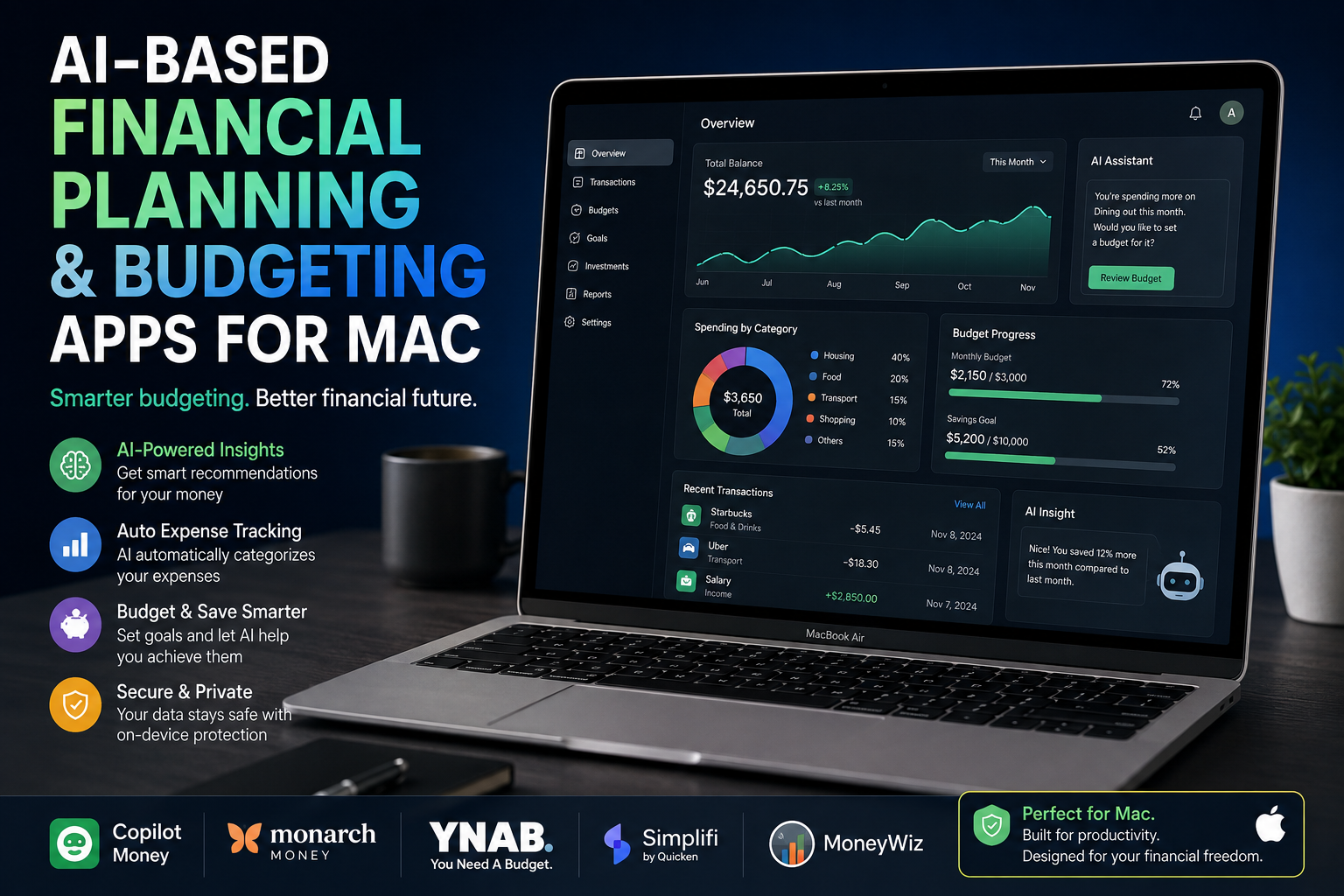
AI for Dynamic Content Customization on Websites via Mac
AI website customization on Mac allows developers, marketers and ecommerce teams to build websites that adapt content, recommendations, layouts and offers according to user context or behavior. A Mac can serve as the development and testing environment, while the actual personalization may run locally, through website infrastructure, or through cloud-based AI services.
What Is AI Website Customization?
AI website personalization uses data and automated decision-making to determine which content or experience should be presented to a visitor. Instead of showing every visitor exactly the same page, a website can adapt selected elements based on relevant signals.
For example, an ecommerce website could change recommended products according to browsing behavior. A software company could adapt a landing page according to visitor intent, while a content website could prioritize articles that better match a reader's interests.
The important distinction is that the Mac itself does not automatically personalize the website. The Mac is primarily the workstation developers and marketers can use to build, test and manage the personalization system.
How Does a Mac Fit Into AI Website Customization?
Mac computers provide a strong development environment for modern web workflows. Developers can work with HTML, CSS, JavaScript, APIs, databases, development servers, browser testing tools and AI-assisted development applications from macOS.
Safari is particularly useful when testing compatibility for Apple users. Apple also supports Safari web extensions built with common web technologies including HTML, CSS and JavaScript.
For workloads that require local artificial intelligence, Apple silicon provides additional options. Apple's current developer technologies include frameworks for running AI models on-device, while MLX supports machine-learning experimentation on Apple silicon.
That makes a Mac useful in two different roles: developing AI-powered websites that depend on external services and experimenting with selected AI workloads directly on Apple hardware.
7 Practical Uses of AI for Dynamic Website Content
1. Personalized Landing Pages
AI can help determine which headline, supporting message, call to action or content block is most relevant to a particular audience segment. The objective should be relevance rather than changing every element of the page.
2. Dynamic Product Recommendations
Ecommerce stores can use recommendation systems to surface products related to browsing patterns, previous interactions or contextual signals. This can help shoppers discover relevant alternatives without manually navigating a large catalogue.
3. Content Recommendations
Blogs, knowledge bases and media websites can recommend related articles according to the content a visitor is currently viewing. A well-designed system can make large content libraries easier to navigate.
4. Search Personalization
AI-assisted site search can interpret natural-language queries and user intent instead of relying entirely on exact keyword matching. This can be particularly useful for ecommerce stores with large product inventories or technical specifications.
5. Automated Experimentation
AI can assist experimentation by helping teams analyze variations and identify patterns in engagement or conversion data. Human oversight remains important because an apparent improvement in one metric may negatively affect another business or user-experience objective.
6. Contextual Calls to Action
A website can display different next steps according to where a visitor is in the customer journey. A new visitor might receive educational information, while someone comparing products may benefit from specifications, availability information or a buying guide.
7. Adaptive Customer Support
AI assistants can provide contextual answers based on the page or product being viewed. The system should still provide a clear path to human support for questions involving orders, warranty, payments or other situations where automated answers may be insufficient.
AI Dynamic Content vs Traditional Website Customization
| Area | AI-Assisted Customization | Traditional Approach |
|---|---|---|
| Personalization | Can adapt using multiple contextual signals | Usually predefined segments or static rules |
| Recommendations | Can rank items dynamically | Often manually selected |
| Testing | AI can assist analysis and optimization | Primarily manual experiment management |
| Complexity | Higher technical and data requirements | Generally easier to implement |
| Privacy | Depends heavily on data architecture | Can require less behavioral data |
| Control | Requires monitoring of automated decisions | Changes are directly predefined |
Recommended AI Website Customization Workflow on Mac
Start with one measurable problem instead of trying to personalize the entire website. An ecommerce business, for example, might begin with product recommendations rather than dynamically changing every landing page.
- Define the goal: Decide whether personalization should improve product discovery, lead generation, content engagement or another measurable outcome.
- Choose appropriate signals: Use only the data necessary for the intended experience and respect applicable consent and privacy requirements.
- Build the experience: Develop the front end and required integrations from the Mac development environment.
- Test across browsers: Verify behavior in Safari and other browsers used by the target audience.
- Run controlled experiments: Compare the personalized experience against an appropriate baseline.
- Monitor quality: Check accuracy, performance, accessibility and unexpected behavior rather than looking only at conversions.
- Expand gradually: Add further personalization only when the existing implementation demonstrates useful results.
Privacy and Security Matter More With Personalization
Dynamic personalization can create privacy problems when a website collects more information than it needs or sends sensitive information to external systems unnecessarily. Data minimization should therefore be part of the architecture from the beginning.
Apple emphasizes privacy across Safari and Apple Intelligence, including on-device processing for supported AI workloads. For web developers, however, Apple hardware does not automatically make a website privacy compliant. Website operators remain responsible for how their own analytics, cookies, databases, AI providers and third-party scripts process visitor information.
Developers should also test personalization when tracking protection, cookie restrictions or browser privacy features reduce the amount of information available. A website should remain functional even when personalization signals are limited.
Pros and Cons of AI Website Customization on Mac
Pros
- More relevant experiences: Selected content and recommendations can respond to user context instead of treating every visitor identically.
- Better product discovery: Recommendation and search systems can help visitors navigate large ecommerce catalogues.
- Efficient experimentation: AI tools can assist teams in analyzing tests and identifying patterns.
- Strong development environment: macOS supports mainstream web-development workflows while Safari enables direct testing for Apple users.
- Local AI possibilities: Apple silicon supports increasingly capable on-device AI development and experimentation.
Cons
- Implementation complexity: Useful personalization requires reliable data, development work, testing and ongoing monitoring.
- Privacy concerns: Behavioral personalization can create unnecessary data exposure when poorly designed.
- Cloud costs: AI APIs, analytics platforms and personalization infrastructure can add recurring expenses.
- Incorrect personalization: Automated systems can misunderstand visitor intent and present less relevant content.
Why We Recommend It
AI website customization on Mac makes sense when a website has a clear personalization problem, sufficient traffic or data to evaluate results, and a team capable of monitoring the implementation. Smaller websites should usually begin with simple rules and controlled experiments before introducing more complex AI systems.
MacBook Air or MacBook Pro for AI Web Development?
A MacBook Air can be sufficient for normal web development, content management, browser testing, analytics dashboards and cloud-based AI services because the intensive AI processing may occur remotely.
A MacBook Pro becomes more attractive when the workflow involves sustained development workloads, multiple development environments, heavier creative applications or local AI experimentation. Apple's current developer ecosystem also provides tools specifically designed for machine-learning work on Apple silicon.
Developers deciding between the two should compare MacBook Air vs MacBook Pro based on their actual workload rather than assuming every AI project requires the highest-performance Mac available.
Buying a Mac for Web Development in Pakistan
For buyers in Pakistan, memory, storage, workload and warranty terms are more useful purchasing considerations than simply choosing the most expensive configuration. Developers relying mainly on browser-based services and cloud AI may have substantially different hardware requirements from developers running local models.
Victory Computer in Lahore provides MacBook and other computer options for customers comparing hardware for development, professional and creative workloads. Check the current product listing and applicable warranty information before purchasing because configurations, pricing and availability can change.
Frequently Asked Questions
How does AI customize website content?
AI systems can analyze permitted contextual or behavioral signals and use them to select, rank or generate more relevant content, recommendations or website experiences.
Is a Mac good for AI website development?
Yes. macOS supports mainstream web-development workflows, and Apple silicon also provides options for local AI and machine-learning development.
Does the AI personalization run directly on the Mac?
Not necessarily. A Mac can be used to develop and test the system, while production personalization may run in the browser, on a web server, at the edge or through an external AI service.
Is MacBook Air enough for AI website customization?
A MacBook Air can handle many web-development and cloud-AI workflows. More demanding local AI, development or creative workloads may justify a MacBook Pro.
Can AI personalization improve ecommerce websites?
AI can support product recommendations, search, content selection and customer assistance. Results depend on implementation quality, data quality and whether the personalization genuinely helps shoppers.
Is AI website personalization private?
Privacy depends on how the website collects and processes data. Using a Mac does not automatically make a personalization system private; the website's analytics, AI services, consent mechanisms and data architecture also matter.

About Victory Computer Editorial Team
Victory Computer Editorial Team The Victory Computer Editorial Team publishes informative, research-based content about laptops, computers, monitors, printers, hardware, and technology trends in Pakistan. Our goal is to help readers understand product specifications, compare available options, and make informed purchasing decisions.
View all posts by Victory Computer Editorial Team