
Why ASUS ROG Zephyrus Is One of the Best Gaming Laptops You Can Buy

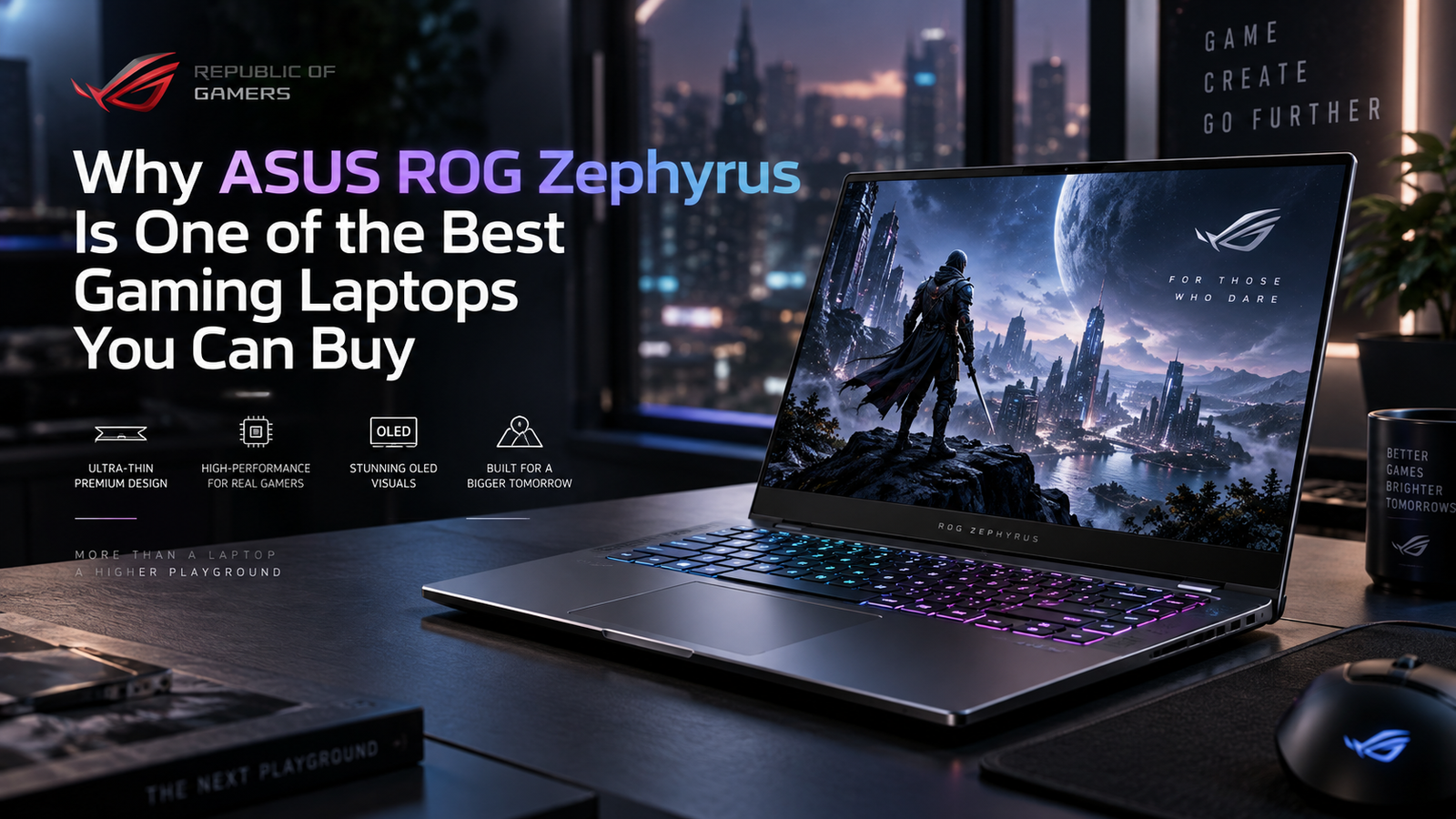
Why ASUS ROG Zephyrus Is One of the Best Gaming Laptops You Can Buy
ASUS ROG Zephyrus stands out because it combines serious gaming hardware, excellent OLED displays, premium construction and unusually strong portability for a performance laptop. The biggest trade-offs are price, limited memory upgradeability on current models and louder fans when maximum performance is enabled. For gamers who need one premium machine for gaming, work and travel, the balance is unusually compelling.
Why Does the ASUS ROG Zephyrus Stand Out?
The main reason the ASUS ROG Zephyrus family is different from many gaming laptops is balance. ASUS is not simply trying to fit the highest possible hardware into the largest chassis. The Zephyrus G14 and G16 are designed for buyers who want strong gaming performance without carrying a thick desktop-replacement notebook every day.
That makes the series especially relevant to gamers, video editors, designers, students and professionals who use the same computer away from a desk. If you are still deciding between portability and a fixed setup, our gaming laptop vs gaming desktop guide explains the broader trade-off.
1. A Slim Premium Design Without Typical Gaming-Laptop Bulk
Portability is one of the strongest reasons to consider an ASUS ROG Zephyrus. ASUS lists the 2026 Zephyrus G14 at 0.72 inches thick and 3.48 lb, while the 2026 Zephyrus G16 uses a 1.49 cm, 1.85 kg premium aluminum chassis. Those figures are notable because both machines still support dedicated NVIDIA GeForce RTX graphics.
The restrained design also makes a Zephyrus easier to use in an office, university or client environment than many aggressively styled gaming notebooks. The Slash Lighting design adds personality, but the chassis still looks closer to a premium creator laptop than a bulky gaming machine.
ASUS describes the 2026 G-series as a thin-and-light gaming line built for gamers and creators on the move. You can review the current ROG Zephyrus G14 and ROG Zephyrus G16 directly on ASUS ROG for region-specific configurations.
2. OLED Displays Are a Major Reason to Buy One
Display quality is another area where the ASUS ROG Zephyrus feels more premium than a typical gaming laptop. Current 2026 configurations use ROG Nebula HDR OLED panels with fast response times, wide color coverage and G-SYNC support.
The G14 uses a 14-inch 3K OLED panel with a 120Hz refresh rate, while the G16 offers a 16-inch 2.5K OLED panel at 240Hz. ASUS lists 0.2ms response time and up to 1100 nits peak panel brightness on these 2026 displays. The result is a screen suited not only to fast games but also to photo work, video editing and HDR media.
The practical difference is simple: choose the G14 when portability matters most; choose the G16 when you want more screen space and the faster 240Hz panel. Competitive gamers may prefer the G16, while users who travel frequently may accept 120Hz in exchange for the smaller chassis.
3. RTX 50-Series Performance for Gaming and Creative Work
The 2026 ASUS ROG Zephyrus range pairs modern high-performance processors with NVIDIA GeForce RTX 50-series laptop GPUs. The G16 can scale up to an RTX 5090 Laptop GPU in selected configurations, while the smaller G14 is offered with RTX 50-series graphics that vary by market and SKU.
NVIDIA’s RTX 50-series laptop platform supports features such as DLSS, ray tracing, Reflex, NVIDIA Studio tools and newer AI-assisted graphics technologies. These features matter most when the exact game or application supports them, so buyers should not choose a laptop only because of the GPU family name. Check the exact GPU, its power configuration and independent model-specific testing.
This is also why Zephyrus laptops make sense for users who game and create on the same machine. GPU acceleration can help in supported video-editing, 3D and AI-assisted applications, while the OLED display gives creators a much better visual workspace than a basic gaming panel. NVIDIA’s current GeForce RTX 50 Series laptop overview explains the platform features in more detail.
4. It Works as a Premium Everyday Laptop Too
Many powerful gaming laptops are excellent while plugged in but inconvenient for normal daily work. The ASUS ROG Zephyrus is more convincing as an all-round computer because the chassis, display, keyboard, trackpad, speakers and connectivity are designed for more than gaming.
Current G14 and G16 models include modern USB-C connectivity, display output and power-delivery support, while current configurations also provide fast wireless networking. The G14 adds a full-size SD card reader on the 2026 design, which is useful for photographers and video creators.
Independent testing supports the all-rounder positioning. Notebookcheck praised the 2026 G14 for its compact aluminum case, OLED display, input devices, speakers and system performance, while its 2026 G16 review highlighted the sturdy aluminum chassis, improved OLED panel, keyboard and sound system. The same reviews also identify the main compromises: premium pricing, soldered memory and loud fans under maximum load.
5. Cooling Is Strong for the Size, but Physics Still Matters
ASUS uses multiple cooling approaches across the Zephyrus range, including Tri-Fan designs, improved exhaust layouts and, on some G16 configurations, a vapor chamber. This allows the laptops to run powerful hardware in thin chassis, but a slim gaming laptop still has less thermal space than a larger performance notebook.
That means users should expect the fans to become clearly audible in Turbo or maximum-performance modes. Independent testing of the 2026 G14 and G16 confirms that fan noise rises when the hardware is pushed hard. For gaming with headphones this may be acceptable, but buyers who want quiet maximum-load operation should consider a larger chassis.
For the same reason, do not compare two laptops only by seeing “RTX 5070 Ti” or “RTX 5090” in the product title. Cooling, GPU power limits and firmware modes can change real performance. Our broader ASUS vs MSI gaming laptops comparison can help if you are comparing different gaming-laptop design philosophies.
6. ASUS ROG Zephyrus G14 vs G16: Which Size Makes More Sense?
| Model | Best For | Main Advantage | Main Trade-off |
|---|---|---|---|
| ROG Zephyrus G14 | Travel, university, mobile creators | Smaller and lighter 14-inch design | Less screen space and lower maximum GPU headroom than larger models |
| ROG Zephyrus G16 | High-end gaming, editing, desk-and-travel use | Larger 16-inch 240Hz OLED and higher-end GPU options | Higher weight, larger footprint and potentially much higher price |
The G14 is the better fit when mobility is the first priority. The G16 makes more sense when you want a larger display, stronger top-end graphics options and a more desktop-like gaming experience without moving to a very bulky machine.
If the G16 is already on your shortlist, see our existing ASUS ROG Zephyrus G16 review for a model-focused overview. Because configurations change by year and market, always verify the exact SKU before using an older review as a specification sheet.
7. The Biggest Strength Is the Gaming-and-Work Balance
The strongest argument for the ASUS ROG Zephyrus is not that it beats every thicker gaming laptop in raw performance. Its advantage is that it gives you a high-quality display, serious dedicated graphics, premium construction and practical portability in one device.
A heavier gaming laptop may offer more cooling headroom or better value per frame, while a thin productivity laptop may run quieter and last longer away from a charger. Zephyrus sits between those extremes. For users who genuinely need gaming power and mobility in the same computer, that middle ground is valuable.
Pros and Cons of ASUS ROG Zephyrus
Pros
- Premium thin-and-light design compared with many performance gaming laptops.
- High-quality OLED displays with fast refresh rates and G-SYNC on current models.
- Powerful RTX 50-series GPU options for gaming and creator workloads.
- Strong everyday usability for work, study, editing and travel.
- G14 and G16 sizes cover different portability and performance priorities.
Cons
- Premium pricing, especially on high-end 2026 configurations.
- Current 2026 G14 and G16 configurations use onboard LPDDR5X memory with no RAM expansion slot, so choose capacity carefully.
- Fans can become loud in maximum-performance modes.
- Thin designs cannot offer the same cooling and upgrade flexibility as a large gaming laptop or desktop.
Why We Recommend It
Choose an ASUS ROG Zephyrus if you want a premium gaming laptop that can also serve as a serious everyday work or creator machine. Consider a thicker gaming notebook or desktop instead if maximum performance per rupee, quiet sustained load operation or easy hardware upgrades matter more than portability and display quality.
Buying an ASUS ROG Zephyrus in Pakistan
For buyers in Pakistan, the exact configuration matters more than the series name. Zephyrus models can vary by processor, GPU, memory, SSD, operating system, keyboard layout and warranty source. Current local price and stock can also change quickly, especially for imported premium gaming laptops.
Before buying, confirm the full model number, GPU variant, RAM capacity, SSD capacity, display specification and warranty terms. Because current Zephyrus memory is soldered on many 2026 configurations, 32GB or 64GB may be worth considering at purchase time if you use demanding creative applications or heavy multitasking.
You can browse current gaming laptops in Pakistan at Victory Computer and compare available Zephyrus alternatives before deciding. For current pricing and availability, verify the live product listing or contact Victory Computer before ordering rather than relying on an old article price.
Frequently Asked Questions
Is ASUS ROG Zephyrus worth buying?
Yes, if you value the combination of gaming performance, OLED display quality, premium build and portability. It is less suitable for buyers whose main priority is the lowest cost per frame.
Which is better, Zephyrus G14 or G16?
The G14 is better for portability, while the G16 is better for a larger screen and higher-end GPU options. Your travel needs and preferred display size should decide between them.
Is ASUS ROG Zephyrus good for video editing?
Yes. Current models combine dedicated NVIDIA graphics with high-resolution OLED displays, making them suitable for supported editing and creative applications. Choose enough RAM and storage for your workflow because memory upgradeability is limited.
Can I upgrade the RAM in a 2026 Zephyrus G14 or G16?
Current official 2026 G14 GU405 and G16 GU606 specifications list onboard LPDDR5X memory with no memory expansion slot. Always check the exact SKU because configurations can vary by region.
Does the Zephyrus get hot or loud while gaming?
Like most thin high-performance laptops, it can become louder under heavy gaming loads. ASUS uses advanced cooling, but maximum-performance modes trade more fan noise for higher sustained performance.
Where can I compare ASUS ROG Zephyrus with other gaming laptops?
Start with Victory Computer’s gaming-laptop category and compare the exact CPU, GPU, GPU power configuration, RAM, display, storage, warranty and price rather than comparing model names alone.
Final Recommendation
The ASUS ROG Zephyrus is one of the strongest choices for buyers who want a premium gaming laptop without giving up portability, display quality or everyday usability. The G14 is especially attractive for mobile users, while the G16 gives enthusiasts more screen space and stronger top-end graphics options.
It is not the cheapest route to high frame rates, and the soldered memory deserves attention before purchase. But if your goal is one refined laptop for gaming, content creation, study or professional work, the Zephyrus formula remains difficult to ignore. Compare the exact configuration, confirm current Pakistan pricing and buy the model that matches your real workload rather than simply choosing the highest GPU tier.

About Victory Computer Editorial Team
Victory Computer Editorial Team The Victory Computer Editorial Team publishes informative, research-based content about laptops, computers, monitors, printers, hardware, and technology trends in Pakistan. Our goal is to help readers understand product specifications, compare available options, and make informed purchasing decisions.
View all posts by Victory Computer Editorial Team