
Best Laptops for Bloggers in Pakistan

Best Laptops for Bloggers in Pakistan
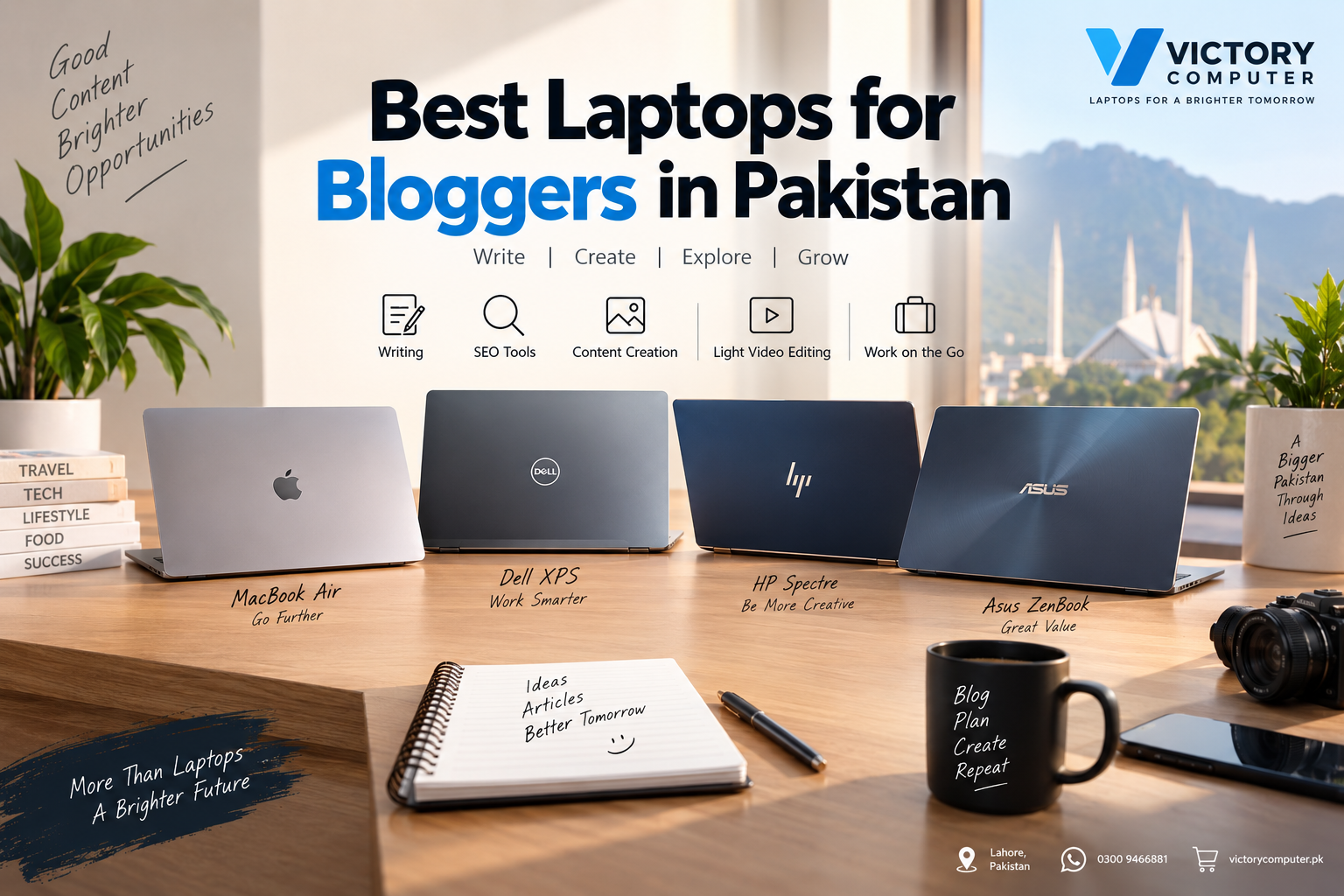
The best laptops for bloggers in Pakistan are lightweight machines with good battery life, at least 16GB of memory for comfortable multitasking, fast SSD storage and a clear display. The MacBook Air is particularly attractive for portability, while Dell XPS, HP OmniBook and ASUS Zenbook models provide strong Windows alternatives.
A blogger usually does not need gaming-laptop hardware. Writing in WordPress, researching with multiple browser tabs, using SEO platforms, editing images, attending meetings and managing social media depend more on responsive everyday performance, memory, storage and battery life than a high-end dedicated GPU. You can also explore Victory Computer’s best laptop buying guides for other use cases.
What Should Bloggers Look for in a Laptop?
A good blogging laptop should make long writing and research sessions comfortable without adding unnecessary weight or cost. For most professional bloggers, these are the priorities:
- Memory: 16GB is a sensible target for running WordPress, browser tabs, SEO tools, Canva, communication apps and other software together.
- SSD storage: 512GB provides more practical room for images, documents, downloads and content assets than very small drives.
- Battery life: Important for writers working from meetings, universities, cafés or while travelling.
- Display: A sharp IPS or OLED screen improves reading, writing and visual-content work.
- Keyboard and portability: Bloggers who write thousands of words should prioritize typing comfort and manageable weight.
- Processor: A modern mainstream processor is normally sufficient for blogging, research and everyday photo editing.
Top Laptops for Bloggers in Pakistan
1. Apple MacBook Air — Best for Portability and Battery Life
MacBook Air is one of the strongest choices for bloggers who value portability and long unplugged working sessions. Current MacBook Air models use Apple silicon and combine a thin fanless design with enough performance for writing, research, photo management and light video production.
Apple’s current M5 MacBook Air starts with 16GB unified memory and 512GB SSD storage. Apple rates the current model for up to 18 hours of video streaming and 15 hours of wireless web use, although real battery life varies with workload and settings.
Pros
- Thin and highly portable design
- Strong battery-life potential
- Fanless and quiet operation
- Good fit for writing, research and content creation
- Sharp Liquid Retina display
Cons
- Memory and internal storage cannot be upgraded like conventional socketed laptop components
- Only two Thunderbolt 4 ports on current MacBook Air models
- macOS may not suit bloggers dependent on Windows-only applications
Why We Recommend It
Choose the MacBook Air if portability, battery life and quiet operation matter more than hardware upgradeability. Bloggers who rely on Windows-specific software should consider a Windows ultrabook instead.
2. Dell XPS 14 — Best Premium Windows Option
The Dell XPS 14 is a premium Windows choice for bloggers who want portability without moving to macOS. Dell positions the current XPS 14 as an ultra-thin laptop designed for creation on the go, with modern Intel Core Ultra processor options and both LCD and OLED display configurations.
The XPS line is especially relevant to bloggers who combine writing with photography, visual content, presentations and other creative work while remaining inside the Windows ecosystem.
Pros
- Premium thin-and-light construction
- Modern Intel Core Ultra processor options
- OLED display option on current configurations
- Good balance between portability and creative work
Cons
- Premium positioning may be unnecessary for basic WordPress work
- Higher-end display and configuration choices can exceed the needs of text-focused bloggers
- Exact configurations vary by market
Why We Recommend It
Choose the XPS 14 if you want a premium Windows laptop for writing and visual content without moving to a larger workstation. Bloggers primarily doing text-based work can usually spend less without sacrificing their core workflow.
3. HP OmniBook Ultra Flip 14 — Best for Flexible 2-in-1 Use
The HP OmniBook Ultra Flip 14 is useful for bloggers who prefer a convertible touchscreen form factor. The 2-in-1 approach can work well for reading drafts, presentations, meetings and other workflows where a conventional clamshell is not always ideal.
Available configurations differ, so buyers should check the exact processor, memory, storage and display of the model being purchased rather than assuming every OmniBook Ultra Flip has identical hardware.
Pros
- Convertible design adds flexibility
- Suitable for writing, browsing and general content work
- Modern thin-and-light platform
- Useful option for users who specifically value touchscreen interaction
Cons
- Convertible functionality may add cost that ordinary bloggers do not need
- Onboard memory on some configurations limits later RAM upgrades
- Exact specifications differ between regional models
Why We Recommend It
Choose an OmniBook Ultra Flip if touchscreen and convertible use genuinely improve your workflow. A conventional laptop normally offers better value if you intend to use the machine almost entirely for keyboard-and-mouse work.
4. ASUS Zenbook 14 OLED — Best for Bloggers Working with Visual Content
ASUS Zenbook 14 OLED models are compelling for bloggers who work heavily with photographs, graphics and visual content. Current Zenbook 14 OLED configurations include OLED displays, modern Intel or AMD processor choices and compact 14-inch designs.
Some configurations offer high-resolution 3K OLED panels with a 120Hz refresh rate, making the Zenbook particularly attractive for creators who care about display quality alongside normal writing and research work.
Pros
- OLED display options with strong colour capabilities
- Compact 14-inch form factor
- Good fit for mixed writing and visual-content workflows
- Multiple Intel and AMD configurations available
Cons
- Specifications vary considerably between Zenbook model numbers
- Premium OLED configurations may be unnecessary for text-only blogging
- Onboard memory on many configurations reduces upgrade flexibility
Why We Recommend It
Choose a Zenbook 14 OLED if display quality is high on your priority list, particularly for photography, design and visual blogging. Always compare the exact model number before purchasing because Zenbook configurations can differ significantly.
Best Blogging Laptops: Quick Comparison
| Laptop | Best For | Main Advantage | Main Trade-off |
|---|---|---|---|
| Apple MacBook Air | Travel and mobile blogging | Portability and battery life | Limited hardware upgradeability |
| Dell XPS 14 | Premium Windows users | Portable premium design | Can be expensive for basic blogging |
| HP OmniBook Ultra Flip 14 | Flexible and touchscreen workflows | Convertible design | 2-in-1 features are not essential for everyone |
| ASUS Zenbook 14 OLED | Visual-content bloggers | OLED display options | Configuration differences require careful checking |
How Much Performance Does a Blogger Actually Need?
Blogging itself is not particularly demanding. The workload becomes heavier when you keep dozens of browser tabs open while running SEO platforms, image editors, spreadsheets, communication apps and WordPress simultaneously.
For that reason, 16GB of memory and a 512GB SSD are practical targets for a new professional blogging laptop. A fast modern CPU is useful, but paying for a high-end gaming processor or dedicated GPU rarely improves normal writing, WordPress or SEO work enough to justify the additional weight and power consumption.
A dedicated GPU becomes more relevant if blogging is combined with frequent high-resolution video editing, 3D work or other GPU-heavy tasks. Content creators with heavier video workflows can compare laptops for video editing. Bloggers expanding into video can also review laptops for YouTubers and video creators.
Which Laptop Should a Blogger Choose?
Choose the MacBook Air if portability, battery life and quiet operation are your priorities. Choose the Dell XPS 14 for a premium Windows experience. Choose an HP OmniBook Ultra Flip if a touchscreen convertible genuinely fits your workflow, and choose an ASUS Zenbook 14 OLED if display quality is particularly important for photography and visual content.
Do not choose by brand alone. Compare the exact processor, memory, SSD capacity, display, keyboard, ports, warranty and operating system of the specific configuration available in Pakistan.
For current laptop options, visit Victory Computer. Because prices and inventory change, confirm the current model, configuration, warranty and selling price before ordering.
Frequently Asked Questions
Which laptop is best for bloggers in Pakistan?
MacBook Air is a strong all-round option for bloggers prioritizing portability and battery life. Dell XPS, HP OmniBook and ASUS Zenbook models are good Windows alternatives depending on budget and workflow.
How much RAM is good for blogging?
16GB is a sensible target for a new professional blogging laptop, particularly if you regularly use many browser tabs, SEO tools, WordPress and image-editing applications together.
Do bloggers need a dedicated graphics card?
Usually not. Integrated graphics are sufficient for writing, WordPress, SEO, browsing and ordinary image editing. A dedicated GPU becomes more useful for heavier video editing and GPU-intensive creative work.
Is a MacBook Air good for blogging?
Yes. MacBook Air is particularly suitable for mobile bloggers because of its thin design, quiet operation and strong battery-life potential. Check software compatibility first if your workflow depends on Windows applications.
Is 256GB storage enough for a blogger?
It can be enough for a cloud-focused writing workflow, but 512GB gives professional bloggers more comfortable local space for images, videos, downloads and project files.
Should bloggers buy a gaming laptop?
Not for blogging alone. Gaming laptops make more sense when the same machine will also be used for gaming, demanding video production, 3D work or another workload that benefits from a dedicated GPU.
“`

About Victory Computer Editorial Team
Victory Computer Editorial Team The Victory Computer Editorial Team publishes informative, research-based content about laptops, computers, monitors, printers, hardware, and technology trends in Pakistan. Our goal is to help readers understand product specifications, compare available options, and make informed purchasing decisions.
View all posts by Victory Computer Editorial Team