
macOS vs Windows: Which Operating System Wins in 2025? | Expert Review

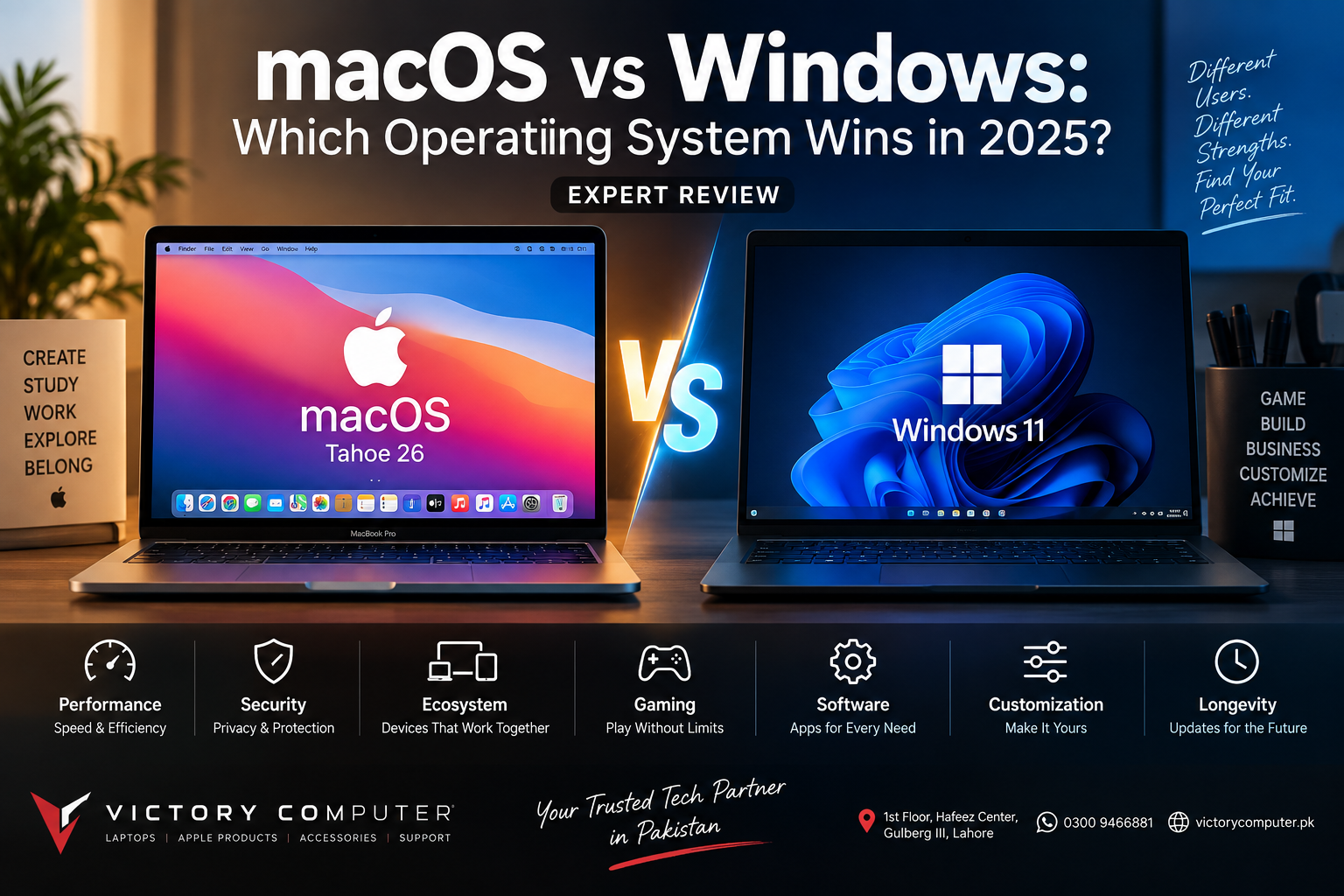
macOS vs Windows: Which Operating System Wins in 2025?
macOS vs Windows has no universal winner: macOS is generally the stronger choice for users who value Apple ecosystem integration, tightly controlled hardware and software, and efficient Apple Silicon laptops, while Windows is better suited to gaming, broad hardware choice, upgrade options, and many business or specialist applications. The right choice depends on what you actually do with your laptop.
macOS vs Windows: Quick Comparison
The biggest difference between macOS and Windows is control versus choice. Apple develops macOS around a relatively small range of Mac hardware, while Windows 11 runs across a much wider selection of laptops and desktops from manufacturers such as Dell, HP, Lenovo, ASUS, Acer, MSI and Microsoft.
| Area | macOS | Windows 11 |
|---|---|---|
| Best For | Apple ecosystem users, creators, developers, portable productivity | Gaming, business, engineering, broad software and hardware choice |
| Hardware Choice | Limited to Apple Mac hardware | Very wide range of manufacturers and configurations |
| Gaming | Improving, but more limited | Stronger game, GPU and peripheral ecosystem |
| Ecosystem | Strong integration with other Apple devices | Broad compatibility across PC hardware and peripherals |
| Customization | More controlled | Greater hardware and software flexibility |
| Professional Apps | Strong for Apple-specific creative workflows | Strong for enterprise, engineering, gaming and specialist software |
| Buying Range | Primarily premium Apple hardware | Budget to premium PCs and workstations |
Performance and Efficiency: Which OS Is Better?
macOS has an advantage when tight hardware and software integration matters, while Windows offers much greater performance flexibility. Apple’s operating system is designed specifically for Mac hardware, allowing Apple to optimize macOS around its own processors, graphics architecture and power-management system.
Modern Apple Silicon is one of the main reasons MacBooks are attractive to users who want strong performance without carrying a large gaming-style laptop. Readers interested in the architecture can also see why Apple Silicon matters even to Windows users.
Windows takes a different approach. Buyers can choose thin ultrabooks, affordable student laptops, mobile workstations, gaming machines and desktop-replacement systems with different Intel or AMD processors and integrated or dedicated GPUs.
That makes the macOS vs Windows performance question dependent on hardware. A MacBook cannot fairly be compared with every Windows laptop as one category. A premium Windows workstation or gaming laptop may deliver far more GPU performance, while a MacBook may provide a better balance of performance, battery life, noise and portability for another workload.
macOS vs Windows for Gaming
Windows is the better operating system for serious PC gaming. Windows offers broader compatibility with PC games, gaming peripherals and dedicated graphics hardware. Windows 11 also includes gaming technologies such as Auto HDR and optimizations for supported windowed games.
Microsoft explains that Windows 11 can improve supported DirectX 10 and DirectX 11 games running in windowed or borderless modes through its windowed-game optimizations.
macOS gaming has improved, particularly as Apple continues developing its graphics platform and encouraging developers to support Apple Silicon. However, gamers should check the exact games they want to play before buying a Mac because availability and compatibility vary.
If gaming is your priority, browsing dedicated gaming laptops in Pakistan will usually provide more GPU, display and configuration options than choosing a MacBook primarily for gaming.
Which Is More Secure: macOS or Windows?
Both macOS and Windows 11 include substantial built-in security technologies, so neither should be treated as immune to malware, phishing or account theft. The better security outcome depends on updates, configuration, application sources and user behavior as well as the operating system itself.
Apple regularly releases security updates for macOS, including fixes for kernel, WebKit and application-level vulnerabilities. The current Mac platform also benefits from Apple’s control over both hardware and operating-system development.
Windows 11 uses hardware-backed security requirements and features including TPM 2.0 and Secure Boot on supported systems. Microsoft states that Secure Boot helps prevent untrusted or malicious software from loading during the startup process, while TPM technology supports security functions including cryptographic key protection.
For most buyers, the practical lesson from the macOS vs Windows security comparison is simple: use a supported device, install security updates promptly, enable disk encryption where appropriate, use strong authentication and avoid untrusted software.
Software and Professional Work
Choose the operating system that supports your required applications before comparing cosmetic features. Software compatibility can matter more than interface preference.
macOS is particularly attractive to users whose workflows rely on Apple’s own applications and development environment. MacBooks are also widely used for programming, media production, photography and general professional productivity.
Windows has an especially broad software ecosystem and remains important for many enterprise, engineering, CAD, specialist business and gaming workflows. Companies may also choose Windows because their existing management tools, internal applications or peripheral hardware are built around the Microsoft ecosystem.
If your decision is primarily work-related, our MacBook vs Windows laptop comparison for professionals examines the choice from a productivity perspective.
Ecosystem Integration vs Hardware Freedom
macOS is strongest for people already invested in Apple devices, while Windows gives buyers greater freedom to choose hardware.
A Mac can be especially convenient alongside an iPhone, iPad and other Apple products because Apple develops the operating systems and ecosystem features together. Apple’s current macOS generation also continues expanding Continuity features and Apple Intelligence capabilities on compatible hardware. Apple notes that feature availability can vary by Mac model, language and region.
Windows takes the opposite advantage: choice. Buyers can select different screen sizes, touchscreens, 2-in-1 designs, dedicated NVIDIA or AMD graphics, upgradeable configurations, gaming-focused machines and business systems from many manufacturers.
This hardware diversity is one of the biggest reasons there is no simple winner in the macOS vs Windows debate.
macOS Pros and Cons
Pros of macOS
- Tight hardware-software integration: Apple controls both the Mac hardware platform and macOS.
- Strong Apple ecosystem: Particularly useful for people who already use an iPhone, iPad or other Apple devices.
- Efficient Apple Silicon laptops: MacBooks can provide strong everyday and professional performance in portable designs.
- Creative software ecosystem: Apple’s own professional applications make macOS attractive for certain media workflows.
- Consistent hardware experience: A smaller hardware range makes the platform comparatively straightforward to understand.
Cons of macOS
- Limited gaming compatibility: Windows remains the safer choice for users with a large PC gaming library.
- Less hardware choice: macOS officially runs on Apple’s Mac lineup rather than the broad PC market.
- Limited upgrade flexibility: Buyers should choose memory and storage configurations carefully because many modern Macs are not designed for conventional post-purchase RAM or internal storage upgrades.
- Specialist software compatibility: Some Windows-focused engineering, enterprise or legacy applications may require alternatives, virtualization or another computer.
Why We Recommend macOS
Choose macOS if you value the Apple ecosystem, portable productivity, Apple-specific professional software and a tightly integrated computer. Do not choose a MacBook solely because macOS is perceived as “better”; confirm that your required applications, games and peripherals support the platform first.
Windows Pros and Cons
Pros of Windows
- Excellent gaming ecosystem: Windows offers broad game support and extensive dedicated-GPU options.
- Huge hardware selection: Buyers can choose from budget notebooks to premium ultrabooks, gaming laptops and professional workstations.
- Broad application compatibility: Windows remains central to many business, engineering and specialist software environments.
- More configuration options: The PC ecosystem offers far more choices in processors, GPUs, displays and form factors.
- Upgrade options on selected systems: Some Windows laptops and many desktops allow easier RAM, storage or component upgrades, although this varies by model.
Cons of Windows
- Experience varies by manufacturer: Build quality, battery life, software configuration and support differ significantly between PCs.
- More complicated buying decision: The huge number of models and specifications can make choosing the right laptop harder.
- Preinstalled software varies: Some manufacturers include additional applications that users may not need.
- Hardware quality is not uniform: Two Windows laptops with similar specifications can have very different displays, cooling systems, keyboards and battery performance.
Why We Recommend Windows
Choose Windows if gaming, broad application compatibility, hardware variety or specialist business software matters most. Windows is also the practical option for buyers who need to choose from a wider range of budgets and hardware configurations.
macOS vs Windows: Which One Should You Choose?
Choose based on workload rather than brand loyalty. The following recommendations cover the most common buying situations.
| User Type | Recommended Platform | Reason |
|---|---|---|
| PC Gamer | Windows | Broader game, GPU and peripheral support |
| iPhone/iPad User | macOS | Stronger integration with Apple’s ecosystem |
| Video/Creative Professional | Depends on software | Choose according to the applications and workflow you use |
| Engineering/CAD User | Usually Windows | Many specialist engineering applications prioritize Windows |
| Business User | Depends on company environment | Compatibility and IT management requirements matter most |
| Student | Either | Course software, budget and battery needs should decide |
| Hardware Enthusiast | Windows | Far greater component and configuration flexibility |
For corporate purchasing, compare the software requirements of your organization before choosing. Victory Computer also lists business laptops in Pakistan for buyers who need Windows-focused professional systems.
MacBook vs Windows Laptop in Pakistan
Pakistani buyers should compare the complete laptop rather than the operating system alone. Processor performance, RAM, storage, display quality, battery life, GPU, warranty terms and software compatibility can have a greater impact on everyday use than the macOS vs Windows debate itself.
Windows laptops cover a particularly wide range of budgets and configurations in the Pakistani market. MacBooks make more sense for buyers who specifically value macOS, Apple Silicon and integration with other Apple products.
Before buying, verify the exact model number, configuration, warranty coverage and current selling price. You can browse current computers and related technology through Victory Computer or contact the Lahore team on WhatsApp at 0300 9466881 for current product information.
Frequently Asked Questions
Which is better, macOS or Windows?
Neither is universally better. macOS is particularly attractive for Apple ecosystem integration and Apple-focused workflows, while Windows offers stronger gaming support, wider hardware choice and broad specialist software compatibility.
Is macOS better than Windows for students?
It depends on the student’s course requirements. Check required university software first; students who need Windows-only engineering or specialist applications should prioritize compatibility over platform preference.
Is Windows better than macOS for gaming?
Yes, Windows is generally the stronger choice for PC gaming because of its broader game compatibility, dedicated GPU selection and gaming hardware ecosystem.
Which operating system is more secure?
Both platforms include substantial security protections. macOS benefits from Apple’s integrated hardware/software platform, while Windows 11 includes technologies such as TPM 2.0 and Secure Boot; safe usage and timely updates remain essential on either platform.
Should I buy a MacBook or Windows laptop for professional work?
Choose based on the applications required for your profession. MacBooks can be excellent for Apple-centric creative and development workflows, while Windows is often preferred for gaming, engineering, enterprise and specialist business applications.
Where can I compare MacBooks and Windows laptops in Pakistan?
Victory Computer offers laptops and computers for buyers in Pakistan. Check the exact model, configuration, current price and warranty terms before ordering because these details can vary between products.

About Victory Computer Editorial Team
Victory Computer Editorial Team The Victory Computer Editorial Team publishes informative, research-based content about laptops, computers, monitors, printers, hardware, and technology trends in Pakistan. Our goal is to help readers understand product specifications, compare available options, and make informed purchasing decisions.
View all posts by Victory Computer Editorial Team
2 thoughts on “macOS vs Windows: Which Operating System Wins in 2025? | Expert Review”