
Generative AI art creation tools optimized for Mac | Expert Review

Generative AI Art Creation Tools
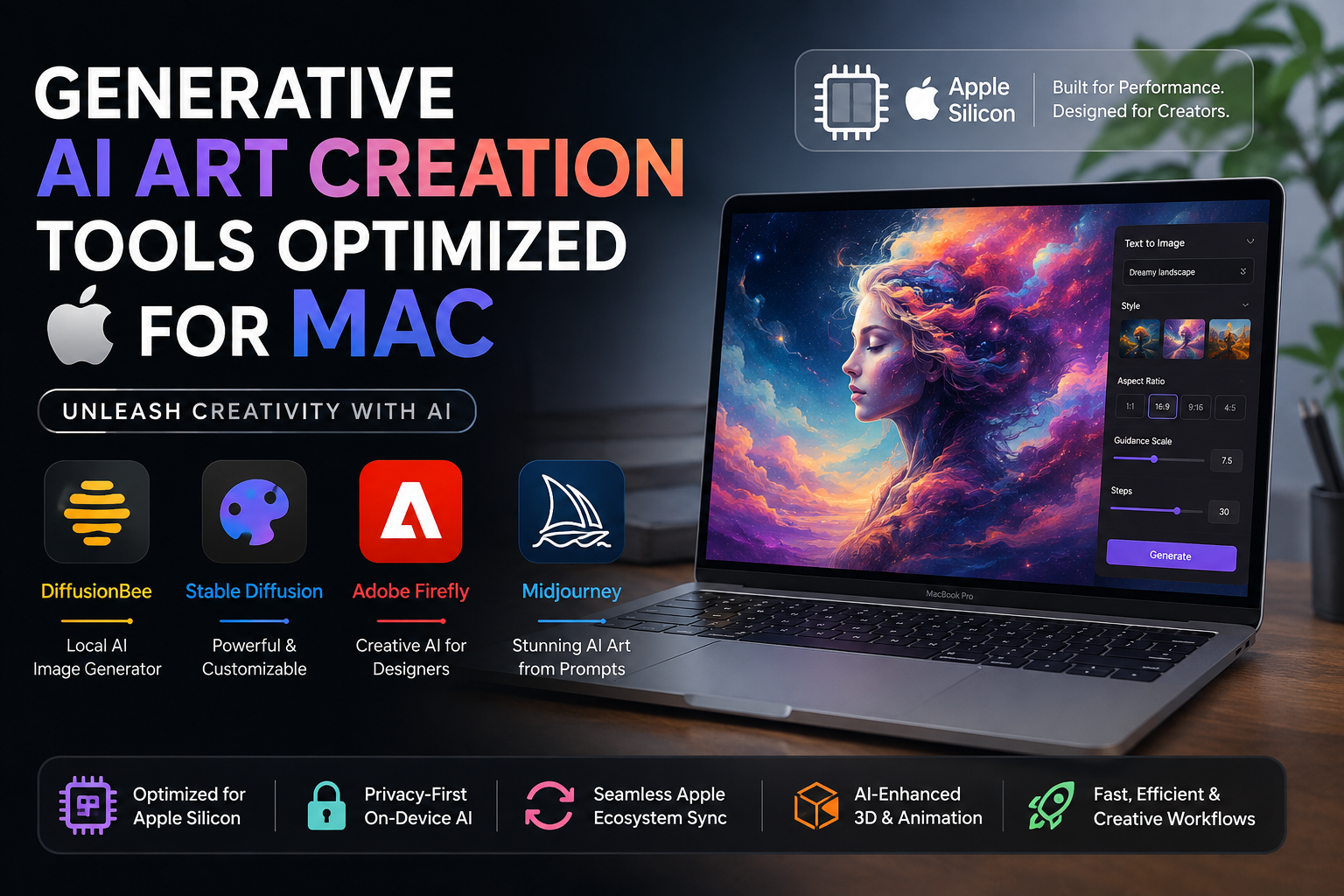
Generative AI art creation tools optimized for Mac now include both cloud-based platforms and powerful local AI applications. Mac users can choose DiffusionBee for private on-device generation, Adobe Firefly for creative workflows, Midjourney for prompt-based artwork, or Stable Diffusion-based tools for greater model control.
Apple Silicon has made the Mac increasingly capable of running machine-learning and generative workloads locally. The best option depends on whether you prioritize image quality, privacy, simplicity, customization, or integration with an existing creative workflow.
Best Generative AI Art Creation Tools Optimized for Mac
The strongest AI art tools for Mac fall into two categories: local AI generators that use Mac hardware and cloud-based generators that perform most processing remotely.
| AI Art Tool | Best For | Processing | Main Advantage |
|---|---|---|---|
| DiffusionBee | Mac users wanting simple local AI | Local | Privacy and offline generation |
| Stable Diffusion | Advanced users | Local or cloud | Customization and model choice |
| Adobe Firefly | Designers and Adobe users | Cloud | Creative workflow integration |
| Midjourney | Concept art and stylized images | Cloud | Strong visual generation tools |
DiffusionBee: A Strong Local AI Art Tool for Mac
DiffusionBee is one of the easiest options for Mac users who want to generate AI images locally. It packages Stable Diffusion-based creative tools into a Mac-friendly interface without requiring users to manually configure a complex AI environment.
DiffusionBee supports text-to-image generation, image-to-image workflows, generative fill, upscaling, control images and other creative functions. Most importantly for privacy-conscious creators, its AI processing can run locally, keeping prompts and generated content on the computer.
Apple Silicon is recommended for the strongest experience. Local generation speed still depends heavily on the Mac's chip, available memory, model and selected image settings.
Best for:
- Artists who prefer local AI processing
- Mac users concerned about cloud privacy
- Students experimenting with generative art
- Creators who want Stable Diffusion without complicated setup
Stable Diffusion on Apple Silicon
Stable Diffusion on Mac provides substantially more flexibility for users prepared to manage models and generation settings. Apple has published tools and optimizations for deploying Stable Diffusion through Core ML on Apple Silicon, demonstrating that diffusion-based image generation can run directly on supported Apple hardware.
Local Stable Diffusion workflows can provide an important privacy advantage because prompts and source images do not necessarily need to leave the Mac. After the required models and software are downloaded, some configurations can also work without a continuous internet connection.
The trade-off is complexity. Stable Diffusion offers extensive control, but beginners may find model selection, installation and advanced generation settings more difficult than using browser-based services.
Adobe Firefly on Mac
Adobe Firefly is a practical choice for designers who want generative AI without managing models locally. Firefly works through supported web browsers on macOS and provides tools for generating and modifying visual content.
Firefly is particularly relevant for creators already working with Adobe's design ecosystem. Current Firefly tools cover image generation as well as broader generative media workflows, while Adobe continues to integrate generative capabilities across its creative products.
Best for:
- Graphic designers
- Marketing teams
- Adobe Creative Cloud users
- Creators who prefer cloud-based AI tools
Midjourney on Mac
Midjourney is another strong choice for Mac users, particularly for concept art, visual experimentation and highly stylized images. Midjourney now provides image creation directly through its web interface, so Mac users are not dependent on a dedicated native macOS application.
The current web experience includes prompt-based generation, image prompts, personalization, style controls, variations and an image editor. Because generation takes place through Midjourney's service, the Mac's local GPU performance is less important than it is for local Stable Diffusion workflows.
This makes Midjourney particularly useful for MacBook Air owners who want sophisticated AI image generation without placing a sustained local workload on the computer.
Pros and Cons of Generative AI Art Tools on Mac
Pros
- Strong Apple Silicon support: Modern Mac hardware can run a growing range of machine-learning and generative workloads.
- Local AI options: Tools such as DiffusionBee can process prompts and generate images directly on the Mac.
- Privacy: Local workflows can keep prompts, models and source material on the user's device.
- Choice of local and cloud tools: Users can select local Stable Diffusion workflows or services such as Firefly and Midjourney.
- Efficient creative workflow: macOS remains well suited to combining AI generation with established design, photo and video applications.
Cons
- Local generation can be demanding: Larger diffusion models can consume substantial memory and computing resources.
- Entry-level Macs have limitations: More demanding local models may perform better on Macs with additional unified memory and stronger GPU resources.
- Cloud services require connectivity: Firefly and Midjourney depend primarily on online processing.
- Advanced local tools have a learning curve: Stable Diffusion configurations can require more technical knowledge than browser-based generators.
Why We Recommend AI Art Tools on Mac
Mac is a particularly interesting platform for creators who want a choice between local AI image generation and cloud-based creative services. Apple Silicon supports increasingly capable on-device machine-learning workflows, while browser tools allow less powerful Macs to access advanced generative models remotely.
Choose a local solution such as DiffusionBee when privacy and offline processing matter. Choose Adobe Firefly when your workflow centers on Adobe creative applications, or consider Midjourney when rapid visual exploration and stylized image generation are the priority.
Which Mac Is Better for AI Art Creation?
The right Mac depends heavily on whether AI generation happens locally or in the cloud. Cloud services such as Midjourney and Adobe Firefly place much less emphasis on the Mac's own GPU because the main generation workload occurs remotely.
Local AI is different. Stable Diffusion and other on-device models can benefit from stronger GPU resources and more unified memory. Users planning frequent local AI generation should therefore consider memory capacity and sustained performance rather than choosing a Mac solely by model name.
If AI art is only one part of your workload, explore Victory Computer's Mac and computer options through the store before deciding how much local processing capability you actually need.
Local AI vs Cloud AI Art Tools on Mac
| Factor | Local AI | Cloud AI |
|---|---|---|
| Privacy | Potentially stronger because files can remain local | Data is processed through an online service |
| Internet | Some tools can work offline after setup | Generally required |
| Mac Hardware | Important | Less important for generation |
| Setup | Can range from simple to technical | Usually easier |
| Customization | Potentially extensive | Controlled by the service |
For most beginners, a cloud service is easier. Local AI becomes more attractive for users who need privacy, offline operation, model control or experimentation with their own workflows.
Buying a Mac for Creative AI Work in Pakistan
Before buying a Mac for generative AI, decide whether your workflow will primarily use cloud applications or locally executed models. Paying for additional local computing resources provides less benefit if most of your AI generation happens through a browser.
For demanding local AI workloads, unified memory, GPU capability, storage capacity and thermal performance deserve more attention. Creative professionals should also account for their normal applications such as photo editing, video production, illustration and development instead of sizing a Mac around AI generation alone.
Victory Computer serves customers looking for computers and creative hardware in Pakistan. Buyers should confirm the current model, configuration, price, warranty terms and availability before ordering because inventory and configurations can change.
Frequently Asked Questions
What are the best generative AI art creation tools optimized for Mac?
DiffusionBee, Stable Diffusion-based workflows, Adobe Firefly and Midjourney are useful options. The best choice depends on whether you prioritize local processing, customization, ease of use or cloud-based generation.
Can a Mac generate AI images locally?
Yes. Apple Silicon Macs can run compatible generative image models locally through applications and frameworks designed for macOS and Apple hardware.
Does DiffusionBee work offline on Mac?
Yes. DiffusionBee is designed to run generative AI locally, allowing compatible workflows to operate without sending prompts and generated images to a cloud service.
Does Midjourney work on Mac?
Yes. Midjourney provides a web-based creation interface that Mac users can access through a compatible browser.
Is Adobe Firefly compatible with macOS?
Yes. Adobe lists macOS support for Firefly and supports current versions of major browsers, including Safari.
Do I need a MacBook Pro for AI art?
Not necessarily. Cloud AI tools can work well on less powerful Macs because generation happens remotely. More capable Mac hardware becomes increasingly useful when running demanding AI models locally.
Final Recommendation
Generative AI art creation tools optimized for Mac give creators a useful choice between private local generation and convenient cloud services. DiffusionBee is a strong starting point for local generation, Stable Diffusion provides greater control for advanced users, Adobe Firefly suits established creative workflows, and Midjourney is compelling for fast visual exploration.
For buyers in Pakistan, the key hardware decision is not simply choosing the newest Mac. Match the Mac's unified memory, GPU capability and storage to the type of AI workload you intend to run, especially if image generation will happen locally.

About Victory Computer Editorial Team
Victory Computer Editorial Team The Victory Computer Editorial Team publishes informative, research-based content about laptops, computers, monitors, printers, hardware, and technology trends in Pakistan. Our goal is to help readers understand product specifications, compare available options, and make informed purchasing decisions.
View all posts by Victory Computer Editorial Team