
Intel vs AMD Laptops: Which Gives Better Value in Pakistan?

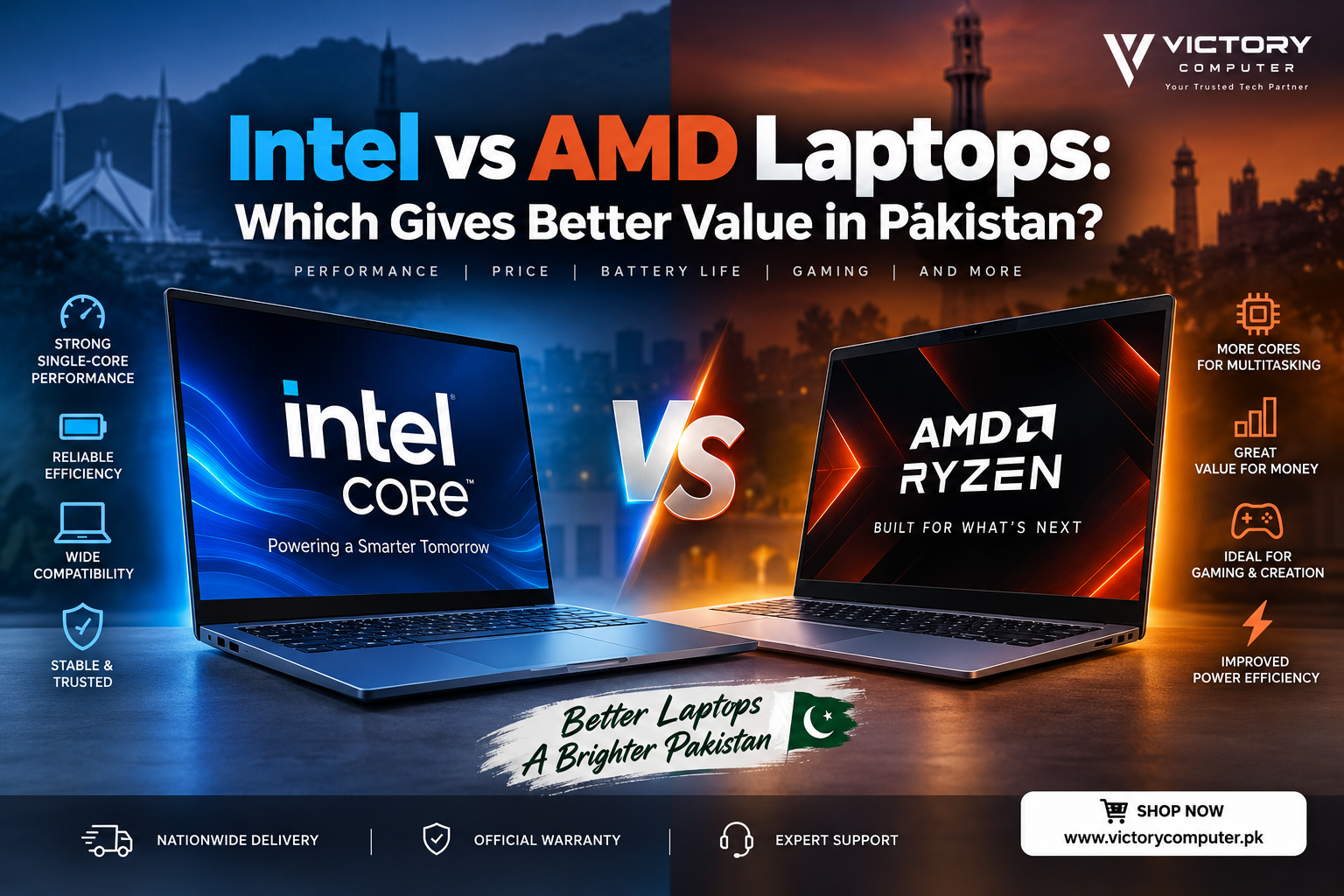
Intel vs AMD Laptops
Intel vs AMD laptops is no longer a comparison with one simple winner. For buyers in Pakistan, the better choice depends on the exact processor generation, laptop configuration, graphics hardware, cooling system, battery capacity and—most importantly—the price you are paying in PKR.
Quick answer: Choose the laptop that gives you the stronger complete configuration for your budget. Intel can be an excellent choice for productivity, business machines, gaming and modern thin-and-light systems, while AMD Ryzen laptops can offer strong multicore performance, capable integrated graphics and attractive efficiency. Neither brand automatically provides better value in every price bracket.
Intel vs AMD Laptop Comparison
| Factor | Intel Laptops | AMD Laptops |
|---|---|---|
| Everyday Performance | Strong across modern Core and Core Ultra systems | Strong across modern Ryzen and Ryzen AI systems |
| Multitasking | Excellent on appropriately specced Core Ultra and H/HX processors | Excellent on higher-core Ryzen and Ryzen AI processors |
| Integrated Graphics | Modern Intel Arc-equipped chips can provide capable integrated graphics | Modern Radeon integrated graphics can be particularly attractive for graphics-heavy use without a dedicated GPU |
| Gaming with Dedicated GPU | Excellent when paired with a suitable NVIDIA or discrete GPU | Excellent when paired with a suitable NVIDIA or discrete GPU |
| Battery Life | Can be excellent on modern efficiency-focused platforms | Can also be excellent on modern efficiency-focused Ryzen platforms |
| Best Value | Depends on model, generation and local price | Depends on model, generation and local price |
Performance: Intel or AMD for Everyday Laptop Use?
For browsing, Microsoft Office, university assignments, online meetings and everyday multitasking, both modern Intel and AMD processors can provide more than enough performance. The processor badge alone should therefore not decide your purchase.
An Intel Core Ultra 7 and an AMD Ryzen 7, for example, cannot be compared fairly simply because both contain a “7.” Processor generation, power class and laptop cooling can change performance considerably.
Intel also uses different mobile processor classes for different types of laptops. If you are unsure about those differences, our guide to Intel U-series vs H-series laptops explains why a processor designed for a thin productivity laptop behaves differently from one intended for heavier workloads.
If you are comparing Intel tiers specifically, also see our Core i5 vs Core i7 comparison.
Intel vs AMD for Gaming
For a gaming laptop with a dedicated NVIDIA GeForce GPU, the graphics card often has a larger impact on gaming performance than simply choosing Intel over AMD.
For example, a well-cooled Ryzen laptop with a stronger GPU can easily be the smarter gaming purchase than a more expensive Intel laptop with weaker graphics—and the opposite can also be true.
This means Pakistani gaming-laptop buyers should compare the CPU + GPU + RAM + display + cooling + price as one package rather than buying based on the processor logo.
Integrated graphics are more relevant when the laptop does not have a dedicated GPU. Modern AMD Radeon integrated graphics can make Ryzen laptops attractive for light gaming and graphics workloads, while newer Intel platforms with Arc-class integrated graphics have significantly improved Intel’s position in this category as well.
Intel vs AMD for Video Editing and Content Creation
Creators should look beyond brand names and check the applications they actually use. Video editing, rendering, Photoshop, coding and 3D workloads can respond differently to CPU architecture, core count, integrated graphics and dedicated GPU acceleration.
AMD’s higher-performance Ryzen processors can be strong choices for sustained multicore workloads. Intel’s modern Core Ultra and performance-oriented mobile processors are also designed for demanding creation and multitasking workloads.
For serious video editing, however, buying a laptop with sufficient RAM and a capable dedicated GPU may produce a much larger practical improvement than choosing one processor brand over the other.
Battery Life and Efficiency
Older comparisons often reduce this category to “Intel runs cooler” or “AMD has better efficiency.” That is too simplistic for current laptops.
Both companies now offer mobile processors designed around power efficiency. Intel’s current Core Ultra families include efficiency-focused mobile designs, while AMD’s Ryzen and Ryzen AI families also target performance-per-watt and long mobile usage.
Actual battery life still depends heavily on the complete notebook: battery capacity, display resolution, refresh rate, OLED versus LCD, GPU configuration, manufacturer power profiles and workload all matter. Two laptops using the same CPU can therefore deliver noticeably different battery endurance.
Intel Laptop Pros and Cons
Pros
- Wide laptop selection: Intel processors appear across budget, business, premium, creator and gaming notebook categories.
- Strong productivity performance: Modern Core and Core Ultra processors are well suited to everyday productivity and demanding professional workloads when appropriately configured.
- Modern integrated graphics options: Selected Core Ultra processors include significantly more capable Intel Arc-class graphics.
- Strong business ecosystem: Intel-powered commercial laptops are widely available from major manufacturers, with selected business platforms offering additional manageability and security capabilities.
- High-performance gaming options: Intel H/HX-class processors remain common in powerful gaming notebooks.
Cons
- Some Intel configurations may cost more than a similarly useful AMD alternative, depending on the Pakistani market price.
- High-performance H/HX processors can require substantial cooling and are not automatically efficient simply because they are Intel.
- Processor naming and multiple Core/Core Ultra generations can make comparisons confusing for buyers.
Why We Recommend Intel
Intel is a strong choice for buyers who find a well-priced Core or Core Ultra laptop with the right overall configuration. It is particularly worth considering for business laptops, productivity systems and gaming machines where the complete CPU/GPU combination matches your workload. Do not pay a large premium merely for the Intel badge if another laptop offers a stronger overall package.
AMD Laptop Pros and Cons
Pros
- Strong multicore options: Ryzen processors are available in configurations suited to demanding multitasking and creation workloads.
- Capable integrated Radeon graphics: Certain Ryzen platforms are attractive when you need better graphics capability without relying on a dedicated GPU.
- Competitive efficiency: Modern Ryzen mobile processors are designed for performance and battery-conscious laptops.
- Strong gaming choices: Ryzen H/HX systems are available in powerful gaming laptops with dedicated GPUs.
- Potentially attractive value: Some Ryzen configurations can provide more useful hardware for the same budget, depending on current local pricing.
Cons
- AMD laptop availability can vary considerably between brands and configurations in the Pakistani market.
- A cheaper Ryzen laptop is not automatically better value if it compromises display quality, RAM, storage, cooling or build quality.
- Ryzen model numbers and generations also require careful checking; “Ryzen 7” alone does not tell you the full performance story.
Why We Recommend AMD
AMD makes particular sense when a Ryzen laptop gives you a stronger overall configuration for the same budget, or when capable integrated Radeon graphics and multicore performance are priorities. Buyers should still compare the exact Ryzen model rather than assuming every Ryzen 5 or Ryzen 7 behaves similarly.
Intel vs AMD: Which Is Better for Different Users?
| User | What to Prioritize | Recommendation |
|---|---|---|
| Students | Battery, weight, price and sufficient everyday performance | Compare both |
| Office Users | Reliability, battery, keyboard, webcam and business features | Compare both; Intel has a particularly broad business-laptop selection |
| Gamers | GPU, cooling, display and CPU class | Choose the stronger complete gaming configuration |
| Video Editors | GPU, RAM, multicore CPU performance and display | Compare exact Intel and Ryzen processors |
| Freelancers | Battery, portability, multitasking and value | Both can be excellent |
| Budget Buyers | Total configuration per rupee | Buy whichever gives more useful hardware for the budget |
How to Choose an Intel or AMD Laptop in Pakistan
Pakistani buyers should start with their budget rather than choosing the processor brand first. Laptop prices can change with generation, availability, imports, promotions and configuration, so compare current models instead of relying on a fixed assumption that one brand is always cheaper.
You can also review our guide to laptop price trends in Pakistan before deciding how much to spend.
Before buying, compare these six things:
- Exact CPU model — not simply Core i7 or Ryzen 7.
- RAM — capacity, type and whether it can be upgraded.
- Graphics — integrated GPU versus dedicated NVIDIA/AMD graphics.
- Display — resolution, panel quality, brightness and refresh rate.
- Battery and cooling — particularly important in thin and gaming laptops.
- Final PKR price — compare the entire configuration at the price you will actually pay.
You can browse current laptops in Pakistan and compare Intel and AMD configurations before making your decision.
Intel vs AMD Laptops: Final Verdict
There is no universal winner between Intel and AMD laptops. Modern Intel Core/Core Ultra and AMD Ryzen/Ryzen AI processors both cover everything from thin everyday notebooks to high-performance gaming and creator machines.
Choose Intel when the Intel laptop offers the right combination of CPU performance, features, battery behavior, graphics and price for your workload.
Choose AMD when the Ryzen configuration provides stronger overall value, multicore capability or integrated graphics for your budget.
For most buyers in Pakistan, the smartest rule is simple: compare complete laptops, not processor logos. A better display, stronger GPU, more RAM, better cooling or a significantly lower price can matter more than choosing Intel instead of AMD—or AMD instead of Intel.
For current laptop options, visit Victory Computer or contact 0300 9466881 for product information and availability.
Frequently Asked Questions
Is Intel or AMD better for laptops in Pakistan?
Neither is automatically better. Compare the exact Intel or AMD processor, RAM, GPU, display, battery, cooling and current PKR price of the laptops you are considering.
Is AMD Ryzen better value than Intel?
Ryzen can offer excellent value in some configurations, but this is not universal. Local pricing and the rest of the laptop hardware determine the real value.
Is Intel or AMD better for gaming laptops?
Both can deliver excellent gaming performance. In a gaming laptop, the dedicated GPU, cooling system, power limits and display are often as important as the CPU brand.
Which is better for students, Intel or Ryzen?
Both are suitable. Students should prioritize battery life, portability, RAM, storage and price while choosing a CPU powerful enough for their coursework.
Which is better for video editing, Intel or AMD?
Both have processors suitable for video editing. Compare the exact CPU and also prioritize sufficient RAM and a capable GPU because editing performance depends on the complete system.
Does AMD always have better battery life than Intel?
No. Modern platforms from both companies can deliver strong efficiency. Actual battery life depends on the processor, display, battery capacity, laptop design, power settings and workload.

About Victory Computer Editorial Team
Victory Computer Editorial Team The Victory Computer Editorial Team publishes informative, research-based content about laptops, computers, monitors, printers, hardware, and technology trends in Pakistan. Our goal is to help readers understand product specifications, compare available options, and make informed purchasing decisions.
View all posts by Victory Computer Editorial Team
3 thoughts on “Intel vs AMD Laptops: Which Gives Better Value in Pakistan?”