
Intel HX vs AMD HS Processors: Which is Best for Heavy Gaming & Rendering?

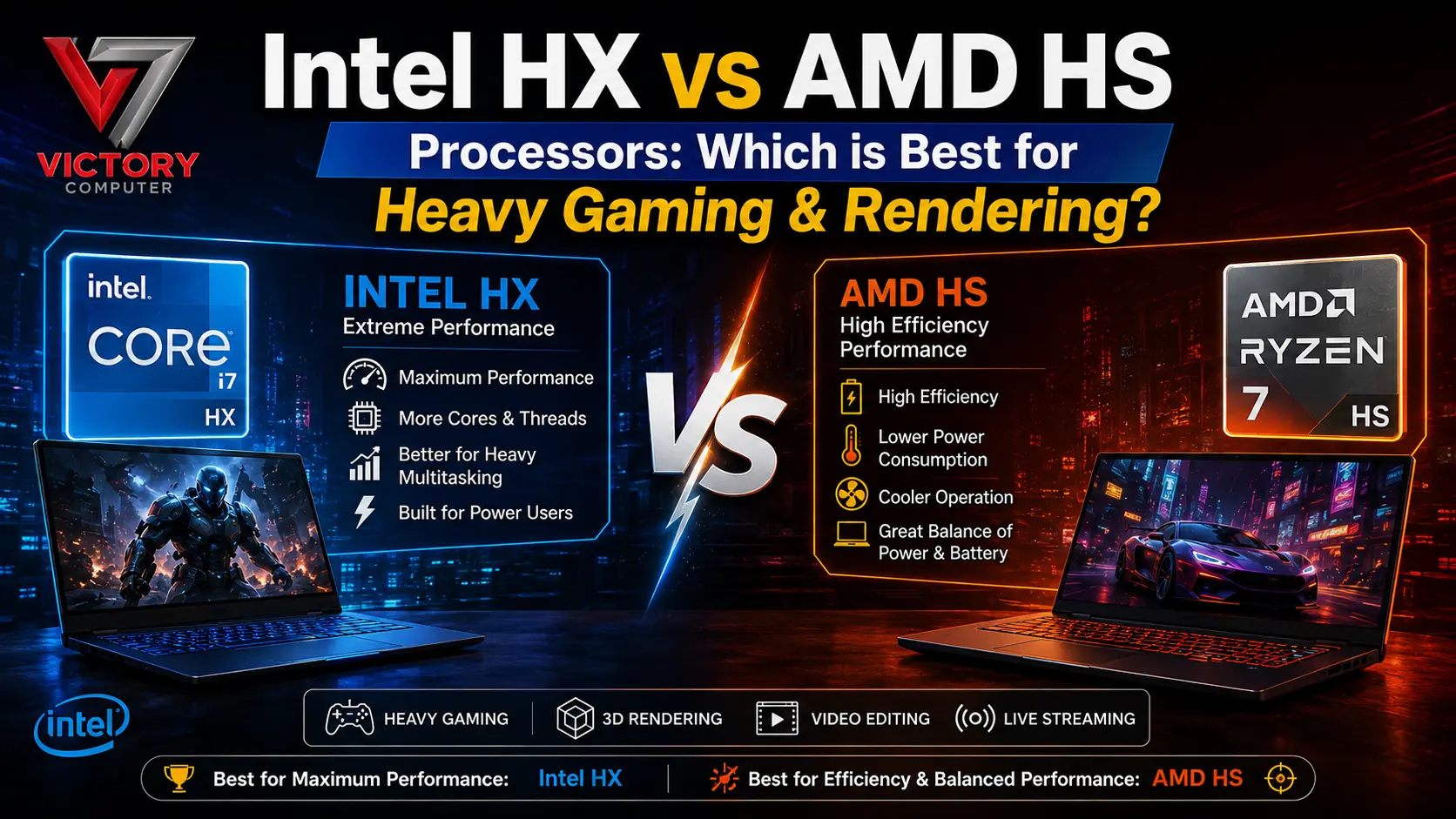
TL;DR: Intel HX vs AMD HS
- Intel HX: The stronger choice when maximum sustained CPU performance is the priority.
- AMD HS: Usually the better fit when you want a balance between performance, efficiency, portability and battery life.
- Heavy gaming: GPU selection is usually more important than choosing HX over HS.
- Rendering: CPU-heavy rendering benefits more from the higher sustained power potential of HX-class processors.
- Thermals: HX systems need serious cooling; Lahore’s hot climate makes thermal design especially important.
- Battery: HS laptops generally have an easier time delivering longer unplugged runtime in comparable designs.
- HP Omen 16: A strong example of a performance-oriented HX platform.
- ASUS ROG Zephyrus G14: A compact example of an HS performance laptop designed around portability.
Introduction
Pakistan’s laptop market is currently under pressure from currency fluctuations, import costs and ongoing price hikes. For gamers, 3D artists, video editors and professionals who need serious processing power, buying the right machine now matters because a laptop that costs one amount today can become considerably more expensive after the next stock cycle.
That makes understanding Intel HX vs AMD HS processors more than a technical comparison. These processor classes represent different approaches to mobile performance. HX chips prioritise high sustained performance and are commonly used in larger gaming and workstation-style laptops, while HS processors target strong performance within a more efficiency-focused mobile platform.
If you are investing in a premium laptop, purchasing from a trusted source is equally important. Victory Computer PK, located at Shop 51-A, 1st Floor, Hafeez Center, Lahore, allows customers to perform physical inspection, verify warranty details and confirm 100% original stock before purchase.
1. Intel HX vs AMD HS: What Is the Real Difference?
Intel HX Explained
Intel HX processors are designed for high-performance laptops. Depending on generation, they can provide desktop-class architectural characteristics in a mobile platform, including high core counts, large caches and aggressive power limits.
Why HX Is Built for Heavy Workloads
HX processors are designed to maintain high performance when the laptop’s cooling system and power delivery can support it.
They are particularly suitable for:
- 4K video editing
- 3D rendering
- Game development
- Large software builds
- Virtual machines
- Engineering applications
- CPU-intensive simulation
- High-end gaming
An HX laptop is therefore usually larger than an ultra-thin performance notebook because the manufacturer needs enough thermal capacity to manage the processor and often a powerful dedicated GPU.
AMD HS Explained
AMD HS processors focus on delivering high performance at a comparatively efficient mobile power target.
The HS class is particularly attractive for users who want:
- Strong gaming performance
- Good creator performance
- Better portability
- Lower overall system power consumption
- Longer battery life during lighter workloads
This is one reason AMD HS gaming laptops are popular among users who want a powerful machine that remains relatively portable.
The Key Trade-Off
The easiest way to understand Intel HX vs AMD HS processors is:
| Characteristic | Intel HX | AMD HS |
| Primary focus | Maximum performance | Performance + efficiency |
| Sustained CPU workloads | Excellent | Very Good |
| Portability | Usually lower | Usually higher |
| Battery efficiency | Lower | Better |
| Cooling requirements | Very High | High |
| Heavy rendering | Excellent | Very Good |
| Gaming | Excellent | Excellent |
| Thin-and-light designs | Less common | More common |
2. Gaming Performance: HX vs HS
Does HX Automatically Mean More FPS?
No.
This is one of the most important points when comparing Intel HX gaming laptops and AMD HS systems.
In modern gaming, the GPU frequently has a much greater effect on frame rates than the CPU once the processor is sufficiently powerful.
A laptop with an HX processor and a weaker GPU can therefore perform worse in games than an HS laptop paired with a significantly stronger GPU.
GPU Matters First
For gaming, prioritise:
- GPU model
- GPU power limit
- Cooling
- Display resolution
- CPU
- RAM configuration
- SSD
This hierarchy is not absolute, but it is a useful purchasing framework.
High-Refresh Gaming
For 144Hz, 165Hz and higher-refresh gaming, CPU performance becomes increasingly important, especially in CPU-heavy competitive games.
HX processors can provide additional headroom for high frame-rate scenarios, particularly when paired with a powerful GPU.
Where HS Makes Sense
HS processors can be excellent for gamers who prefer:
- 14-inch or compact laptops
- Lower weight
- Better portability
- Strong battery efficiency
- A balance between gaming and productivity
That makes AMD HS gaming laptops especially attractive for users who travel frequently.
3. Rendering: Where HX Pulls Ahead
CPU Rendering
CPU-based rendering is one of the workloads where the higher power envelope of HX processors can become particularly valuable.
Long rendering sessions can keep the processor under heavy load for extended periods.
An HX laptop with:
- High core count
- Strong cooling
- High sustained power limits
- Fast DDR5 memory
- High-performance NVMe SSD
can maintain strong performance during prolonged rendering.
Blender, 3D and Professional Workloads
For CPU-intensive workflows such as:
- Blender CPU rendering
- 3D modelling
- CAD workloads
- Code compilation
- Large simulations
- Video encoding
HX generally has the advantage when comparing similarly positioned processors.
GPU Rendering Changes the Equation
If your rendering software uses GPU acceleration, the dedicated GPU becomes extremely important.
For example, GPU rendering can shift the performance bottleneck away from the CPU.
Therefore, don’t buy an HX processor while ignoring the graphics card.
Laptop Rendering Performance Depends on the Whole Platform
Laptop rendering performance is affected by:
- CPU architecture
- CPU power limit
- GPU architecture
- GPU VRAM
- RAM capacity
- Cooling
- SSD speed
- Application optimisation
For serious creators, 32GB RAM can be much more appropriate than 16GB, particularly when working with large scenes or high-resolution video.
4. HP Omen 16 vs ASUS ROG Zephyrus G14
HP Omen 16: HX Performance Approach
The HP Omen 16 is available in configurations featuring Intel Core i7 HX-class processors.
The larger chassis allows manufacturers to build a more substantial thermal solution around the CPU and dedicated GPU.
Why Choose an Omen 16-Type Configuration?
It can make sense for users who prioritise:
- Sustained CPU performance
- Gaming
- Rendering
- Large displays
- Upgradeability
- Extended heavy workloads
For Intel HX gaming laptops, cooling should be treated as a major specification rather than a secondary feature.
ASUS ROG Zephyrus G14: HS Efficiency Approach
The ASUS ROG Zephyrus G14 is known for its compact performance-focused design and has been offered with AMD Ryzen 7 and Ryzen 9 HS processors.
The smaller form factor changes the priorities.
Why Choose a G14-Type Configuration?
It is attractive to users who want:
- Compact dimensions
- High performance
- Better portability
- Gaming capability
- Creator-focused performance
- A premium mobile design
This illustrates the fundamental difference between the two processor classes.
The Omen 16 approach is more performance-first, while the G14 approach places greater emphasis on performance within a portable chassis.
5. Three Top Laptop Models Compared
| Laptop Model | Processor Class | Primary Strength | Best For | Portability |
| HP Omen 16 | Intel Core i7 HX | Sustained CPU performance | Gaming + rendering | Moderate |
| ASUS ROG Zephyrus G14 | AMD Ryzen 7/9 HS | Performance + efficiency | Gaming + mobility | Excellent |
| Performance HX Gaming Laptop | Intel HX | Maximum CPU headroom | Heavy gaming/rendering | Moderate |
The exact CPU and GPU configuration should always be checked before purchase because the same laptop family can be sold with multiple hardware combinations.
6. Cooling and Battery Life in Lahore’s Heat
Why Thermals Matter
Lahore’s summer temperatures can create additional thermal challenges for high-performance laptops.
A laptop that performs well in a cool room may behave differently when ambient temperatures are significantly higher.
HX Cooling Requirements
HX processors can draw substantial power under sustained workloads.
Look for:
- Dual-fan cooling
- Multiple heat pipes
- Large heatsinks
- Adequate intake vents
- Efficient exhaust paths
- Separate CPU/GPU thermal zones
- Manufacturer performance modes
Poor cooling can cause thermal throttling, reducing the sustained advantage of a high-performance processor.
HS Battery Advantage
HS processors generally make more sense for users who regularly work away from a charger.
However, battery life also depends on:
- Battery capacity
- Display brightness
- Screen resolution
- Refresh rate
- GPU activity
- Wi-Fi
- Background applications
An HS laptop with a high-resolution 165Hz panel can still consume significant power.
Battery Strategy for Pakistani Users
If battery life is important:
- Use balanced power mode for normal work.
- Reduce screen brightness when practical.
- Use integrated graphics for light tasks when supported.
- Keep unnecessary background applications closed.
- Use the manufacturer’s battery optimisation modes.
7. How to Choose the Right One in Pakistan
Choose Intel HX If…
Select an HX system if you regularly perform CPU-intensive work and don’t mind a larger, heavier laptop.
Ideal workloads include:
- Professional rendering
- Game development
- 3D modelling
- Heavy programming
- Video production
- Virtualisation
- High-end gaming
Choose AMD HS If…
HS is better suited to buyers who need a powerful laptop but value mobility.
Choose HS if you want:
- Gaming
- Content creation
- Programming
- University work
- Travel-friendly performance
- Better efficiency
Quick Buying Table
| User Type | Recommended |
| Competitive gamer | HX / HS |
| AAA gamer | HX / HS |
| 3D artist | HX |
| Video editor | HX / HS |
| Frequent traveller | HS |
| University student | HS |
| Professional renderer | HX |
| Mobile creator | HS |
For most gaming laptops in Pakistan, the GPU should be evaluated before choosing between two high-performance CPU classes.
8. Check the Complete Laptop Before Paying
Don’t Compare CPU Names Alone
The processor is only one component.
Before buying, check:
- CPU exact model
- GPU exact model
- GPU wattage
- VRAM
- RAM capacity
- RAM type
- SSD capacity
- Display resolution
- Refresh rate
- Brightness
- Battery capacity
- Cooling system
- Warranty
This is particularly important when comparing Hafeez Center prices, because two laptops with similar processor labels can have dramatically different specifications.
Warranty and Original Stock
At Victory Computer PK, customers can request Checking Warranty information and perform Physical inspection at our Lahore outlet before purchasing.
Located at Shop 51-A, 1st Floor, Hafeez Center, Lahore, Victory Computer PK focuses on 100% Original Stock.
For customers in Lahore who prefer delivery, Delivery in Gulberg/DHA provides an additional convenient option.
Victory Computer PK Buying Tip: Before paying, verify the exact CPU and GPU model, RAM, SSD, display, charger and warranty. Never rely only on the laptop family name.
FAQ
How to Choose Between Intel HX and AMD HS for Gaming?
For gaming, compare the entire laptop configuration rather than CPU class alone. HX is attractive for maximum CPU headroom, while HS can deliver excellent gaming performance in a more portable design.
How to Choose an HX Laptop for Rendering?
Prioritise core count, sustained CPU performance, cooling, RAM capacity and GPU performance. For serious rendering, 32GB RAM and a powerful dedicated GPU can be more important than the HX label alone.
Where to Buy Original Gaming Laptops in Lahore?
Visit Victory Computer PK at Shop 51-A, 1st Floor, Hafeez Center, Lahore for physical inspection, warranty checking and confirmation of 100% original stock.
Where to Check Hafeez Center Prices for Gaming Laptops?
Compare current configurations and complete specifications with Victory Computer PK. Check the CPU, GPU, RAM, SSD, display and warranty rather than comparing only the advertised processor.
Price of Intel HX and AMD HS Laptops in Pakistan?
Prices vary according to generation, GPU, RAM, SSD, display, warranty and available stock. Current gaming laptops in Pakistan can change in price because of currency fluctuations and import costs.
Final Verdict: Intel HX or AMD HS?
So, which is better?
For maximum sustained CPU performance, heavy rendering and demanding professional workloads, Intel HX has a strong advantage when the laptop has an appropriately powerful cooling system.
For users who want high performance without sacrificing portability and efficiency, AMD HS can be the smarter choice.
The real winner in Intel HX vs AMD HS processors depends on the complete laptop configuration and your workload.
For heavy gaming, prioritise the GPU. For CPU rendering and professional workloads, prioritise CPU performance and cooling. For mobile gaming and productivity, HS offers an excellent balance.
Don’t wait too long if you have already identified the right configuration. Pakistan’s currency fluctuations, import costs and limited inventory can push prices higher or make specific configurations unavailable.
Check current Hafeez Center prices, verify warranty details and inspect the laptop before purchasing. Victory Computer PK provides 100% Original Stock, Checking Warranty, physical inspection at our Lahore outlet and Delivery in Gulberg/DHA.
The right laptop is not simply the one with the biggest processor name. It is the machine that delivers the performance you need, stays cool under pressure and fits your budget before the next price hike.