
Best Laptops for Casual Everyday Use in Pakistan

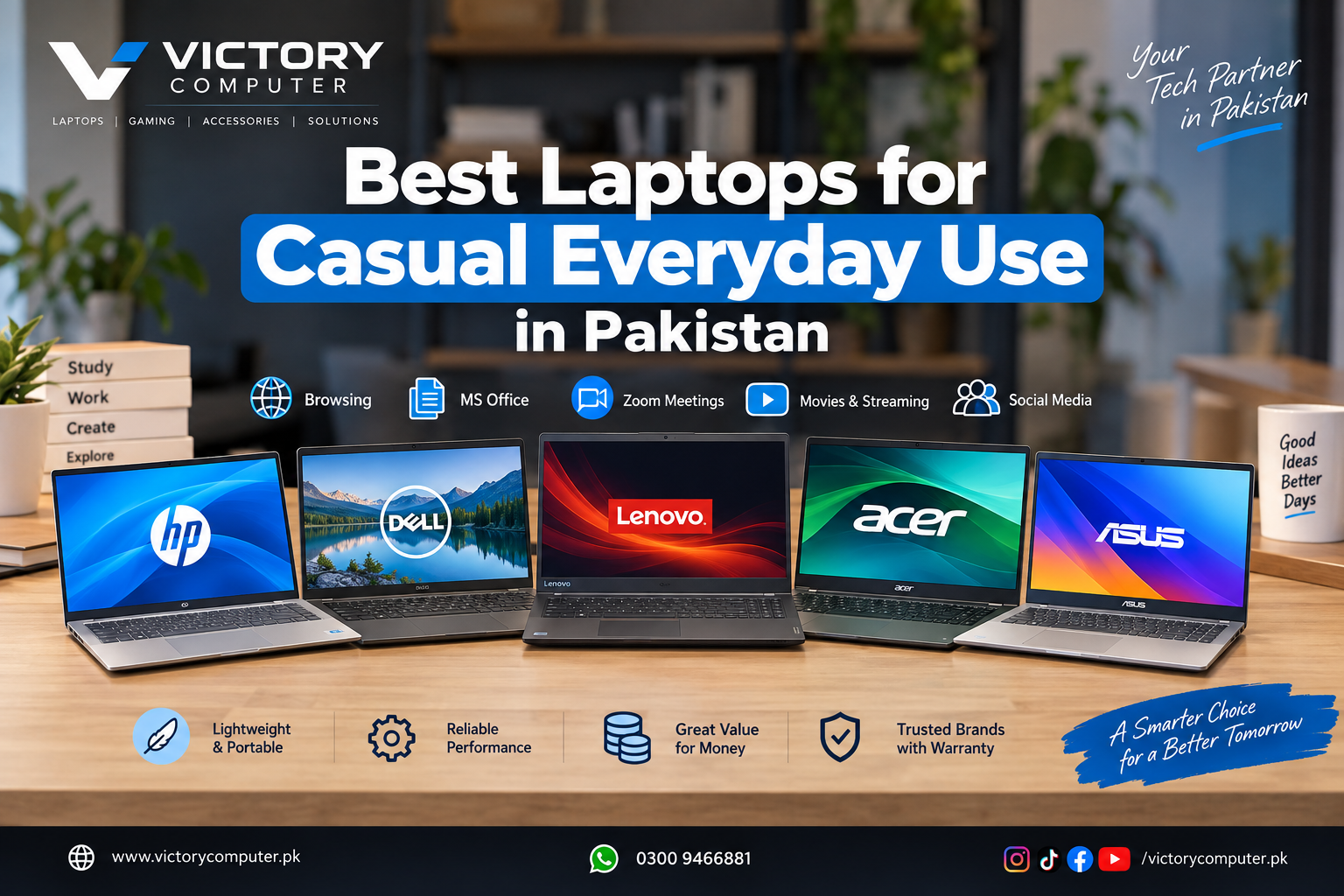
Best Laptops for Casual Everyday
A laptop for casual everyday use does not need gaming graphics or a workstation processor. For browsing, MS Office, Zoom, YouTube, online classes, streaming and light multitasking, a modern Core i3/Core 3 or Ryzen 3/5-class processor, 8GB RAM and SSD storage are the practical starting point. In Pakistan, the best choice is the model that balances performance, display quality, battery needs, warranty and upgrade options.
Quick Picks for Casual Everyday Use
For casual everyday use, mainstream laptops with efficient processors, integrated graphics and SSD storage usually offer better value than gaming-focused machines. These five families cover the most common priorities without paying for hardware you may never use.
| Laptop | Best For | Main Advantage | Main Trade-off |
|---|---|---|---|
| HP 15.6-inch Laptop | Students, home and office | Wide choice of configurations | Exact specs vary by model |
| Dell 15 Laptop | Office and general productivity | Modern 15.6-inch everyday design | Some displays are modest in brightness |
| Lenovo IdeaPad Slim 3 | Heavier multitasking | Strong CPU, memory and storage options | Higher-performance versions may be more than you need |
| Acer Aspire Go 15 | Value-focused buyers | Useful storage and connectivity | Panel quality varies by configuration |
| ASUS Vivobook 15 | Portable daily productivity | Slim design and practical features | Entry displays can be basic |
What Specs Are Enough for Casual Everyday Use?
For a comfortable 2026 experience, aim above the official Windows 11 minimum requirements. For casual everyday use, 8GB RAM is the sensible minimum, while 16GB is better for many browser tabs and heavier multitasking. Choose at least a 256GB SSD; 512GB is more practical for long-term use.
- Processor: Intel Core i3/Core 3, Core i5, AMD Ryzen 3 or Ryzen 5.
- RAM: 8GB minimum; 16GB preferred for more headroom.
- Storage: SSD storage only; avoid an HDD-only system drive.
- Graphics: Integrated Intel or AMD graphics are enough for normal daily tasks.
- Display: Full HD is preferable for documents, video and longer work sessions.
If budget is your first filter, compare the current laptops under Rs. 80,000 for basic daily use and laptops under Rs. 100,000 for students and online classes.
1. HP 15.6-inch Laptop — Balanced for Home and Study
HP’s mainstream 15.6-inch family works well for casual everyday use because it is offered with Intel and AMD processors, Full HD display options, SSD storage and higher-memory configurations. HP currently lists versions up to 16GB RAM and 1TB SSD within this family. Check the exact SKU because two similar-looking HP 15 models can have different processors, displays and operating systems. See HP’s official standard-laptop specifications.
Pros
- Broad choice of Intel and AMD configurations.
- 15.6-inch Full HD options suit study, office work and streaming.
- Higher-memory and SSD variants provide good multitasking headroom.
Cons
- Configuration names can be confusing.
- Higher-end processor or graphics options may add cost without helping basic users.
Why We Recommend It
Choose HP 15 if you want a straightforward all-rounder for casual everyday use. Compare current HP laptops price in Pakistan before selecting the processor, RAM and SSD.
2. Dell 15 Laptop — Practical for Office and Home
The current Dell 15 line is a better 2026 reference than older Inspiron recommendations for casual everyday use. Dell lists Intel Core configurations with SSD storage and Full HD displays; some DC15250 versions use a 120Hz 15.6-inch panel. The official Dell 15 specifications show several memory and storage combinations.
Pros
- Comfortable 15.6-inch format for documents, spreadsheets and video calls.
- Modern SSD and DDR memory configurations.
- Integrated graphics keep the system focused on normal productivity.
Cons
- Some configurations use a 250-nit display, best suited to indoor use.
- Battery size and chassis material differ between SKUs.
Why We Recommend It
Dell 15 is a good fit for daily work when office work, typing and general productivity matter more than gaming. Compare current Dell laptops price in Pakistan for the right configuration.
3. Lenovo IdeaPad Slim 3 — Extra Multitasking Headroom
The Lenovo IdeaPad Slim 3 15IRH10 suits casual everyday use buyers who also expect heavier multitasking. Lenovo lists 13th Gen Intel H-series Core i5 and Core i7 options, DDR5 memory and two M.2 SSD slots on this family, plus USB-C with power delivery and DisplayPort. See the official Lenovo PSREF for configuration details.
Pros
- More CPU headroom for large spreadsheets and heavier multitasking.
- DDR5 memory and dual M.2 storage support improve flexibility.
- Useful USB-C, HDMI and SD card connectivity.
Cons
- H-series processors are unnecessary for very light browsing and email.
- The 15IRH10 family uses integrated Intel UHD graphics rather than gaming graphics.
Why We Recommend It
Choose IdeaPad Slim 3 if you want everyday performance with extra margin for future workloads. Budget-focused buyers can also read our Lenovo vs Acer budget laptop comparison.
4. Acer Aspire Go 15 — Value-Focused Daily Laptop
Acer Aspire Go 15 is aimed at straightforward home, study and productivity work. Current configurations include Full HD displays, NVMe SSD storage, Wi-Fi 6 and integrated graphics, making the family suitable for normal daily tasks. Some versions also provide Ethernet for a stable wired connection.
Pros
- Well suited to browsing, Office, online classes and streaming.
- Full HD and SSD configurations are available.
- Some models support high memory capacity and wired Ethernet.
Cons
- Panel technology differs by model; some variants use basic TN displays.
- Some configurations use DDR4 instead of newer DDR5 memory.
Why We Recommend It
Aspire Go 15 makes sense for casual everyday use when value matters more than premium materials or creator-grade display quality. Check the exact panel, RAM and SSD before ordering.
5. ASUS Vivobook 15 — Slim and Practical
ASUS Vivobook 15 is another practical choice for casual everyday use. Current X1504 family specifications include modern Intel processor options, up to 16GB memory, up to 1TB PCIe SSD storage and a 15.6-inch display. Current designs also include a physical webcam privacy shield.
Pros
- Slim 15-inch design is easier to carry than many performance laptops.
- Several processor, RAM and SSD options are available.
- Webcam privacy shield is useful for study and remote work.
Cons
- Display quality varies by SKU.
- Memory upgrade options differ by exact model.
Why We Recommend It
Choose Vivobook 15 for daily productivity if portability and daily productivity are priorities and you do not need dedicated gaming graphics.
What Should You Check Before Buying in Pakistan?
The same laptop family can arrive in Pakistan with different regional specifications, keyboard layouts, operating systems and warranty arrangements. Before paying, confirm the exact model number and the configuration on the box or invoice.
- RAM: Prefer 8GB minimum; choose 16GB if your budget allows.
- SSD: 512GB is a better long-term target for most buyers.
- Display: Full HD IPS is preferable when available.
- Operating system: Some units ship with FreeDOS or no preinstalled Windows.
- Warranty: Confirm whether it is local or international and what proof is included.
- Upgradeability: Check whether RAM is soldered and whether extra storage slots are available.
- Current price: Confirm the final price because configuration and currency movement can change local pricing.
For a wider selection, browse budget laptops price in Pakistan or the Best Laptops guides.
Which Laptop Should You Choose?
There is no single model for every buyer. HP 15 and Dell 15 are balanced general-purpose choices, Lenovo IdeaPad Slim 3 provides extra performance headroom, Acer Aspire Go 15 focuses on value, and ASUS Vivobook 15 emphasizes portability. For most buyers, a system with 8GB to 16GB RAM, SSD storage, a Full HD display and integrated graphics is the right level for casual everyday use.
For current availability and pricing, visit Victory Computer or WhatsApp 0300 9466881. Confirm the exact SKU, warranty and final price before ordering.
Frequently Asked Questions
What specs are enough for casual everyday use?
For casual everyday use, 8GB RAM and an SSD are the practical minimum. A 16GB RAM and 512GB SSD configuration gives more long-term headroom.
Do I need a Core i7 or Ryzen 7?
No. A modern Core i3/Core 3, Core i5, Ryzen 3 or Ryzen 5 is normally enough for browsing, Office, meetings and streaming.
Do I need a dedicated graphics card?
Usually not. Integrated Intel or AMD graphics are suitable for normal daily tasks; dedicated graphics are mainly useful for gaming, 3D and heavier creative work.
Is 8GB RAM enough in 2026?
Yes for light use, but 16GB is better if you keep many browser tabs open or run several apps at once.
Which is better: 14-inch or 15.6-inch?
A 14-inch laptop is easier to carry, while a 15.6-inch screen gives more workspace for documents and entertainment.
Where can I buy laptops for casual everyday use in Pakistan?
You can compare current models at Victory Computer. Verify the exact model number, warranty and current price before placing an order.

About Victory Computer Editorial Team
Victory Computer Editorial Team The Victory Computer Editorial Team publishes informative, research-based content about laptops, computers, monitors, printers, hardware, and technology trends in Pakistan. Our goal is to help readers understand product specifications, compare available options, and make informed purchasing decisions.
View all posts by Victory Computer Editorial Team