
Is Apple Forcing People Into Its Ecosystem by Breaking Third-Party Apps? | Expert Review

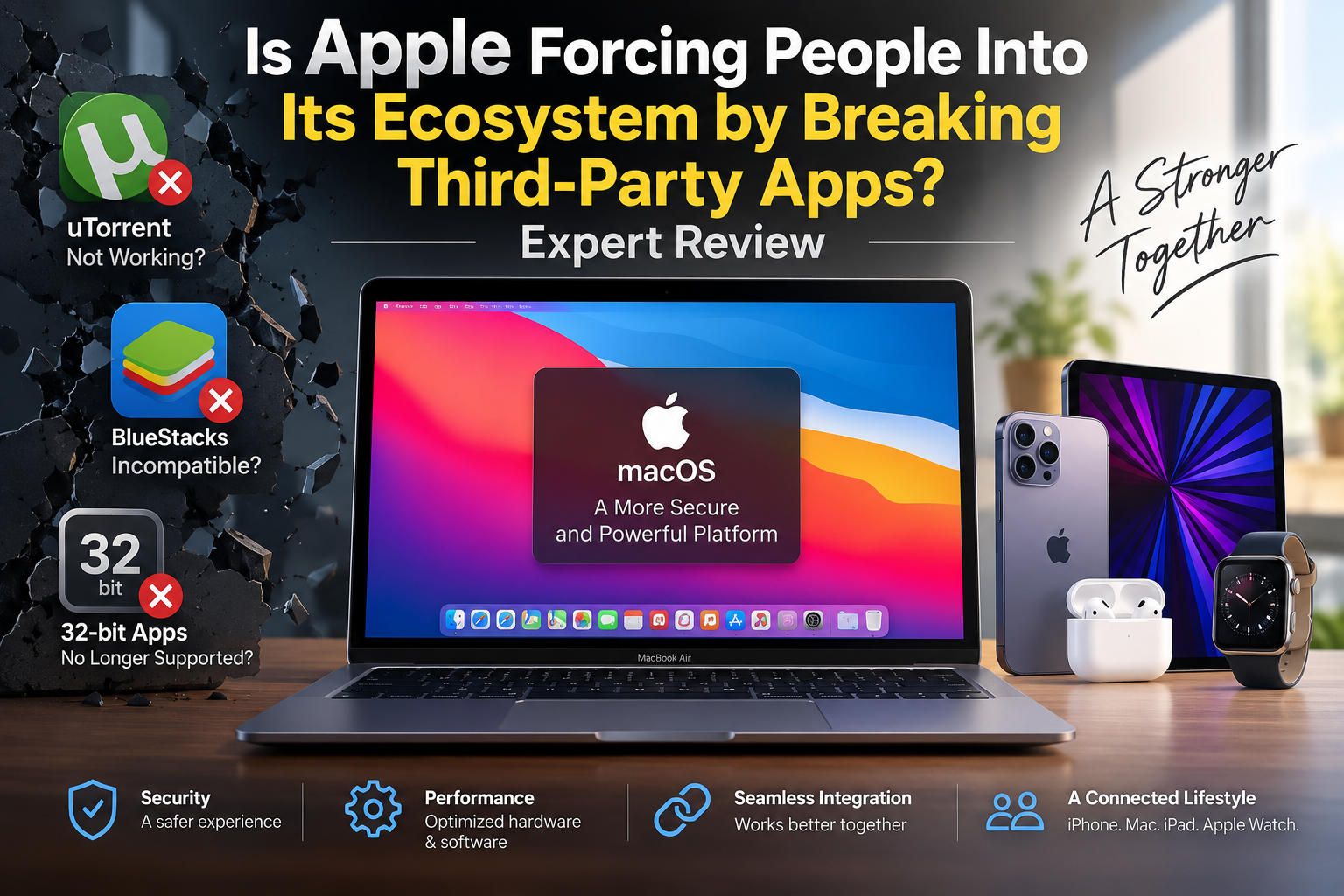
Is Apple Forcing People Into Its Ecosystem by Breaking Third-Party Apps?
There is no verified evidence that Apple deliberately breaks third-party apps to force people into the Apple ecosystem. However, Apple’s removal of older technologies, transition to Apple Silicon and increasingly strict macOS security requirements can make older software stop working. The result can feel restrictive even when ecosystem lock-in is not the stated purpose.
For MacBook buyers in Pakistan, the real question is therefore not simply whether Apple restricts software. Buyers should consider whether the applications they depend on are compatible with the current version of macOS and Apple Silicon before choosing a Mac over a Windows laptop.
Why Third-Party Mac Apps Sometimes Stop Working
Third-party apps can stop working after a macOS update because Apple periodically removes older software technologies, changes security requirements or moves its hardware architecture forward. That can leave software developers responsible for updating applications to remain compatible.
One major example was the end of 32-bit application support. macOS Mojave 10.14 was the final macOS version capable of running 32-bit applications. Starting with macOS Catalina 10.15, those applications were no longer compatible.
This affected older utilities, games, plug-ins and professional applications whose developers had not produced 64-bit versions. It was a platform transition rather than evidence that Apple specifically targeted competing third-party applications.
Another major transition began when Apple moved Macs from Intel processors to Apple Silicon. Rosetta allowed many Intel applications to continue operating during the transition, but developers have increasingly needed native or Universal versions for long-term compatibility.
For a deeper look at this problem, Victory Computer’s article on why third-party apps keep breaking after macOS updates explains how operating-system changes and developer support can affect older software.
Is Apple Actually Blocking Third-Party Apps?
macOS does not require every application to come from the Mac App Store. Developers can distribute Mac software independently using Apple’s Developer ID and notarization system.
Apple uses Gatekeeper to check downloaded software. Under default settings, Gatekeeper checks whether software comes from an identified developer, has been properly signed and meets Apple’s notarization requirements. These controls can create extra steps compared with installing traditional Windows applications, especially for old or unsigned software.
That distinction matters. Apple’s security model can restrict how software is installed and what permissions it receives, but saying that macOS simply blocks all non-App-Store software would be inaccurate.
Users concerned about these controls can also read Victory Computer’s analysis of macOS security restrictions and how they affect everyday Mac use.
What About uTorrent and BlueStacks?
Two examples frequently used in arguments about the Apple ecosystem are µTorrent and BlueStacks, but the situation has changed considerably.
Does uTorrent Still Work on Mac?
µTorrent Classic does not support macOS Catalina 10.15 or newer because the old client depends on 32-bit software. However, µTorrent currently provides µTorrent Web for Mac for newer macOS versions.
Therefore, saying that Apple completely blocks torrent clients is misleading. The older µTorrent Classic application became incompatible after Apple’s 32-bit transition, while another version remains available for Mac users.
Does BlueStacks Work on Apple Silicon?
Yes. BlueStacks Air now supports Apple Silicon Macs. BlueStacks developed the Mac version specifically for Apple Silicon and continues releasing updates for it.
This is important because older discussions about BlueStacks being unavailable on modern Macs are now outdated. Compatibility can change when third-party developers update their software for Apple’s current hardware and operating-system requirements.
Apple Ecosystem Pros and Cons
The Apple ecosystem offers strong device integration and a controlled security model, but those advantages come with genuine trade-offs for people who rely on unusual, legacy or highly customizable software.
Pros
- Strong device integration: Macs, iPhones, iPads and other Apple devices are designed to work closely together.
- Security controls: Gatekeeper, code signing and notarization help reduce exposure to tampered or known malicious software.
- Consistent hardware and software: Apple controls both macOS and Mac hardware, reducing the number of hardware combinations developers need to support.
- Apple Silicon efficiency: Modern MacBooks offer a platform designed around Apple’s own processors and operating system.
Cons
- Legacy compatibility: Older applications can stop working after major platform transitions.
- More installation restrictions: Unsigned or improperly notarized software can require additional approval or may fail under default security settings.
- Less hardware flexibility: Mac buyers have fewer hardware configuration and upgrade choices than users building or buying many Windows PCs.
- Developer dependence: Specialized applications may require developers to update their software when Apple changes architectures, APIs or security requirements.
Why We Recommend It
The Apple ecosystem makes the most sense for users who value integration, battery-efficient laptops, mainstream productivity applications and close interaction with other Apple devices. Users who depend on legacy software, specialized Windows applications, extensive gaming compatibility or hardware customization should verify their software requirements before moving to macOS.
Apple Ecosystem vs Windows: Which Offers More Freedom?
Windows generally provides broader hardware choice and remains the safer option for buyers who need maximum compatibility with specialized PC applications and games. macOS provides tighter integration between hardware, operating system and Apple’s other devices.
| Area | Mac / Apple Ecosystem | Windows Laptop |
|---|---|---|
| Third-party applications | Broad support, with stricter security requirements | Very broad support |
| Legacy software | More affected by major platform transitions | Often stronger backward compatibility |
| Hardware choice | Limited to Apple’s Mac lineup | Large range of manufacturers and configurations |
| Apple-device integration | Major advantage | More limited |
| Gaming | Improving, but compatibility varies | Broader PC gaming ecosystem |
| Software installation | Gatekeeper and notarization controls | Generally more flexible |
The better choice therefore depends on the buyer. Readers still deciding between platforms should also consider Victory Computer’s discussion of whether MacBooks are really worth the hype compared with competing laptops.
Does Apple’s Strategy Create Ecosystem Lock-In?
The Apple ecosystem certainly encourages users to own multiple Apple products because many features become more useful when Apple devices are used together. That creates a genuine ecosystem advantage for Apple and can increase switching costs for users.
However, ecosystem lock-in and deliberately breaking competing applications are different claims. Apple’s documented security policies, removal of 32-bit support and processor transition explain many compatibility problems without proving that individual third-party applications were intentionally broken to eliminate competition.
Victory Computer has also examined the broader debate over Apple and user freedom in macOS and whether macOS is becoming more like iOS. Those concerns are worth considering separately from unsupported claims that every incompatible application was intentionally disabled.
Who Should Choose a MacBook?
A MacBook remains a strong option when the software you need already supports macOS and Apple Silicon. Students, office users, programmers, designers, photographers and other professionals can have very different application requirements, so compatibility should be checked application by application.
Consider a MacBook if you:
- already use an iPhone or other Apple devices;
- primarily use current, actively supported applications;
- value portability and Apple’s hardware-software integration;
- do not depend on Windows-only applications or PC gaming libraries.
Consider a Windows laptop instead if you need maximum software compatibility, specialized Windows applications, extensive PC gaming support or a wider choice of hardware configurations.
Buying a MacBook in Pakistan
Pakistani buyers should check more than the processor and storage capacity before purchasing a MacBook. Confirm that the exact applications, plug-ins, peripherals and professional tools you use support the Mac model and current macOS version.
This is particularly important when moving from an older Intel Mac or Windows PC to an Apple Silicon Mac. A powerful new computer does not automatically make unsupported legacy software compatible.
Buyers can explore computers and current options through Victory Computer and compare a MacBook against Windows alternatives based on actual software requirements rather than ecosystem marketing alone.
Frequently Asked Questions
Is Apple deliberately breaking third-party apps?
There is no verified evidence that Apple deliberately breaks third-party Mac apps as a general strategy to force users into its ecosystem. Compatibility losses can result from security changes, removal of older technologies and hardware transitions.
Can Macs install apps outside the Mac App Store?
Yes. macOS supports software distributed outside the Mac App Store. Developers can sign applications with Developer ID and use Apple’s notarization process for distribution.
Does BlueStacks work on Apple Silicon Macs?
Yes. BlueStacks Air is designed for Apple Silicon Macs and is actively supported by BlueStacks.
Does uTorrent work on modern macOS?
µTorrent Classic is not compatible with macOS Catalina 10.15 and newer, but µTorrent Web for Mac is available for modern versions of macOS.
Is the Apple ecosystem more restrictive than Windows?
macOS generally applies tighter software-security and platform controls, while Windows offers broader hardware and legacy-software flexibility. The practical difference depends heavily on the applications a user needs.
Should I buy a MacBook or Windows laptop in Pakistan?
Choose based on software compatibility and workload first. A MacBook suits users whose applications support macOS and who value Apple-device integration, while Windows is often preferable for broader gaming, legacy software and hardware choice.

About Victory Computer Editorial Team
Victory Computer Editorial Team The Victory Computer Editorial Team publishes informative, research-based content about laptops, computers, monitors, printers, hardware, and technology trends in Pakistan. Our goal is to help readers understand product specifications, compare available options, and make informed purchasing decisions.
View all posts by Victory Computer Editorial Team